






Key Features
- Variable Velocity: The momentum builds up as you survive longer. You’ll have to adjust your reaction timing to match the twitchy steering.
- Garage Expansion: Gather coins to swap your boring base model for something weird. Each car handles the momentum differently.
- Minimalist Tracks: The clean visuals help you spot the turns. Distractions are non-existent so you can focus on the geometry.
- Constant Pressure: One bad tap sends you into the void. It’s punishing, but that’s the point.
How to Play
Drivemaster: Mastering the controls
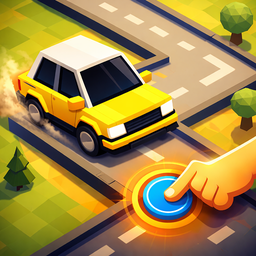
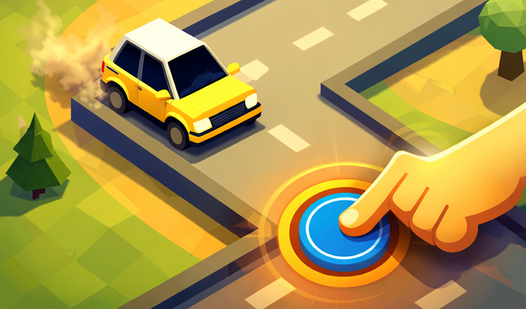
To figure out how to play Drivemaster, you need to understand the timing. Use your mouse to click or hit the spacebar to pivot your ride. Drivemaster controls feel a bit slippery at first, so don't be surprised when you slide off the track during your first few attempts.
Surviving in Drivemaster
The biggest trap is holding down the gas when you should be tapping to correct your path. Practice at lower speeds until you learn the layout of each curve. If you try to speedrun the tracks before you’re ready, you’ll end up respawning more than you’re actually driving.
Who Should Play Drivemaster?
Frequently Asked Questions about Drivemaster
Can I play Drivemaster on my phone?
Yes, you can tap the screen to shift your direction. It works just as well on mobile as it does on a desktop.
How do you turn in Drivemaster?
You simply tap, click, or press the spacebar to force your car to change its trajectory. Time these inputs carefully or you will fly right off the map.
Is Drivemaster free to play?
Yes, Drivemaster is completely free to play on Nub Games. There are no in-app purchases. No download or registration required.
Can I play Drivemaster on mobile?
Drivemaster works on both desktop and mobile devices. Best played in none mode.
What age rating is Drivemaster?
The catalog age rating for Drivemaster is 0+.