




Key Features
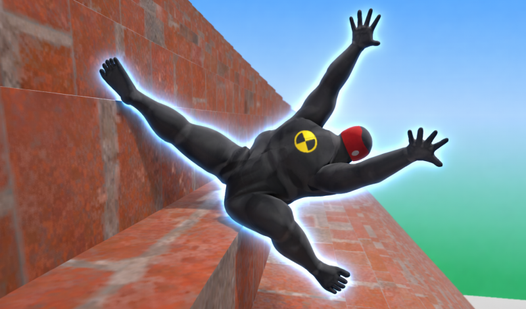
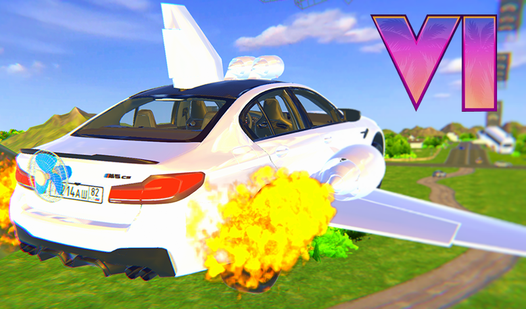
- Crunchy Damage: Every impact leaves a mark. Your chassis bends and panels fly off when you hit things too fast.
- Global Lobbies: Chat with the room to organize meetups. It makes the map feel alive when everyone is revving engines.
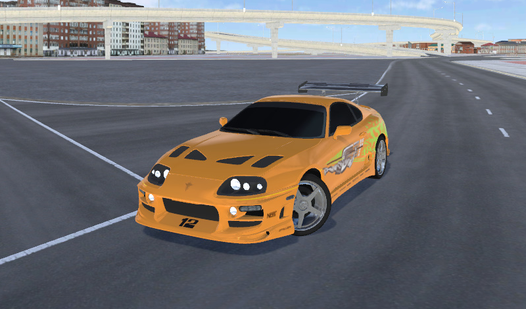
- Custom Styles: Pick your paint and flashers. You can make your ride look like a wreck or a total showpiece.
- Open Sandbox: Cruise anywhere. The city is your playground.
How to Play
Mastering DriveHub Online controls
Use WASD to steer your vehicle through the city streets. You need to learn how to play DriveHub Online by balancing your throttle during sharp turns. If you floor it constantly, you will spin out into a wall. The DriveHub Online controls feel a bit floaty, so be gentle on the keys.
Driving aggressively in DriveHub Online
Find other players to start impromptu street races or just hunt for big jumps. A common mistake is ignoring the damage physics. You should watch your health bar because hitting objects hard actually deforms your frame, eventually turning your car into a heap of scrap metal that barely crawls.
Who Should Play DriveHub Online?
Frequently Asked Questions about DriveHub Online
Can I play DriveHub Online on my phone?
Yes, it runs on mobile browsers without needing an app store install. Just open the page and start driving, though the touch controls take a minute to get used to.
How do you customize cars in DriveHub Online?
Open the vehicle menu while you are stopped in a safe zone. From there, you can swap your paint color and toggle your flashers to stand out from the crowd.
Is DriveHub Online free to play?
Yes, DriveHub Online is completely free to play on Nub Games. There are no in-app purchases. No download or registration required.
Can I play DriveHub Online on mobile?
DriveHub Online is currently available on desktop only. Best played in landscape mode.
What age rating is DriveHub Online?
The catalog age rating for DriveHub Online is 6+.