







Key Features
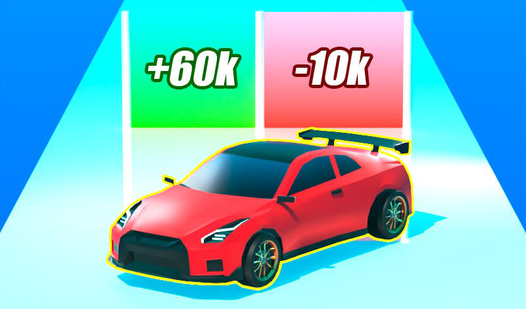
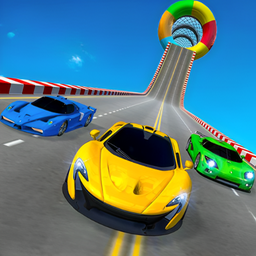
- Weighty physics: Cars feel heavy. You actually have to fight the momentum when taking sharp turns at high speed.
- Custom builds: Swapping parts changes the weight distribution. It makes your car handle totally differently on tight tracks.
- Tournament grind: The AI doesn't hold back. They will ram you off the racing line if you leave a gap.
- Visual grit: The graphics have a clean look. It helps you spot those tiny oil slicks before you spin out.
How to Play
Mastering Drive Control 3D steering
Use WASD or tap to steer. Drive Control 3D controls feel a bit twitchy at first, so don't overcorrect when you hit the corners. You need to learn how to play Drive Control 3D by tapping lightly rather than holding the keys down like a brick.
Why Drive Control 3D gets brutal
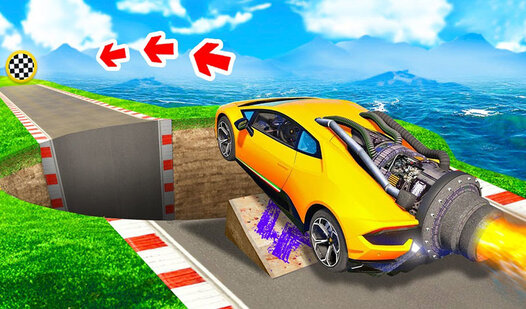
Speed is your only friend until you hit the narrow bridges. One common mistake is braking too late, which sends your car flying off the edge. If you want to finish the track, you must prioritize lane position over raw velocity during the final turns.
Who Should Play Drive Control 3D?
Frequently Asked Questions about Drive Control 3D
Can I play Drive Control 3D on my phone?
Yes, it works fine on mobile browsers. Just make sure your internet connection stays stable so you don't drop inputs during a tight turn.
How do you upgrade cars in Drive Control 3D?
Head to the garage menu between races to spend your winnings. You can swap out engines and tires to boost your speed for the later, harder tracks.
Is Drive Control 3D free to play?
Yes, Drive Control 3D is completely free to play on Nub Games. There are no in-app purchases. No download or registration required.
Can I play Drive Control 3D on mobile?
Drive Control 3D works on both desktop and mobile devices. Best played in landscape mode.
What age rating is Drive Control 3D?
The catalog age rating for Drive Control 3D is 12+.