











Key Features
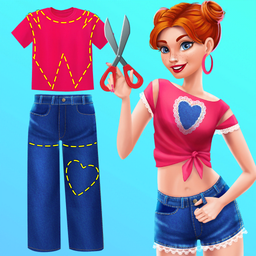
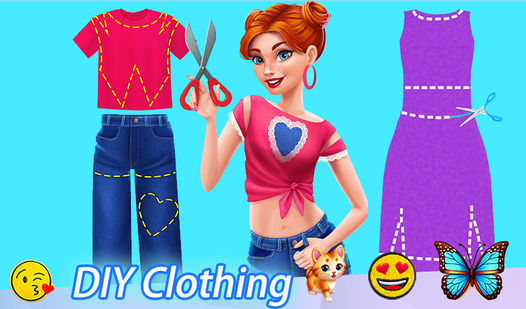
- Textile Sandbox: Drag and drop patterns onto garments to see how they fit. The physics for the fabric are surprisingly decent.
- Creative Freedom: There isn't a score or a timer breathing down your neck. You just make what you like.
- Wardrobe Depth: You have a massive pile of clothes to fix. Each one requires a different approach to pattern placement.
- Visual Clarity: The 3D models look clean. The rendering holds up even when you zoom in close to check your work.
How to Play
DIY Clothing: Getting Started
When you load in, use your mouse to navigate the DIY Clothing controls. You just click on the items you want to transform. It’s simple, but don’t rush through the initial selection. Picking the right base piece makes the later stages much easier to handle.
How to play DIY Clothing effectively
Now that you have your base, it is time to drag and drop your decorations. Move patterns around until they look right. A common mistake is crowding the design too early, so leave some white space. If you want to master how to play DIY Clothing, experiment with layering your textures.
Who Should Play DIY Clothing?
Frequently Asked Questions about DIY Clothing
Can I play DIY Clothing on my phone?
Yes, you can play this on mobile browsers without any issues. The touch interface works well for dragging patterns, though the screen can feel a bit cramped.
What are the controls for DIY Clothing?
You use your mouse or finger to select items and place decorations. There are no complex keyboard inputs, so just tap and drag to customize your look.
Is DIY Clothing free to play?
Yes, DIY Clothing is completely free to play on Nub Games. There are no in-app purchases. No download or registration required.
Can I play DIY Clothing on mobile?
DIY Clothing works on both desktop and mobile devices. Best played in landscape mode.
What age rating is DIY Clothing?
The catalog age rating for DIY Clothing is 6+.