





Key Features
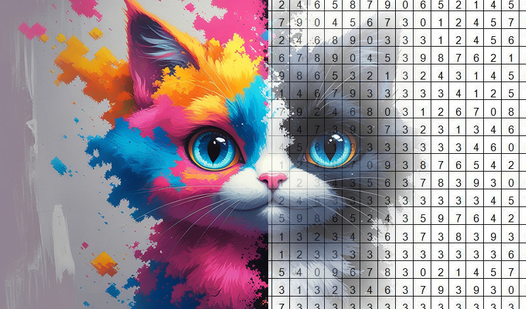
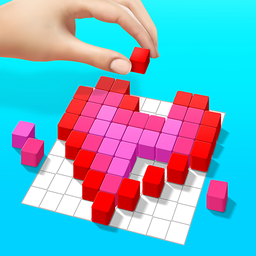
- Clean Grid Logic: The board stays organized while you fill it. It keeps your brain focused on color matching instead of fighting a messy interface.
- No Stress Pacing: You set the speed. There are no timers pushing you to finish, so you can take as long as you want.
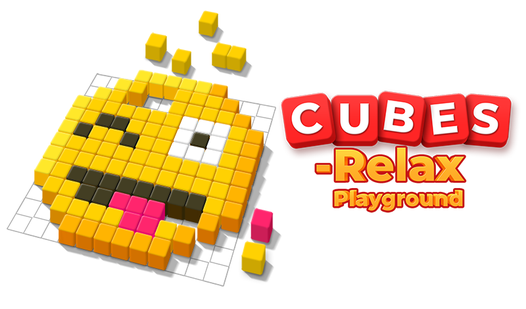
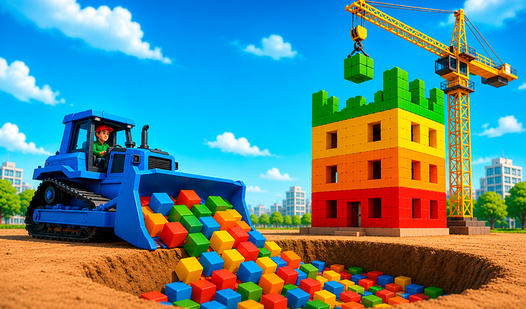
- Vibrant Color Palette: Every block pops off the screen. It makes the final image look like a classic 3D build.
- Zero Cleanup: You get the satisfaction of a physical toy. None of the pieces end up under your sofa.
How to Play
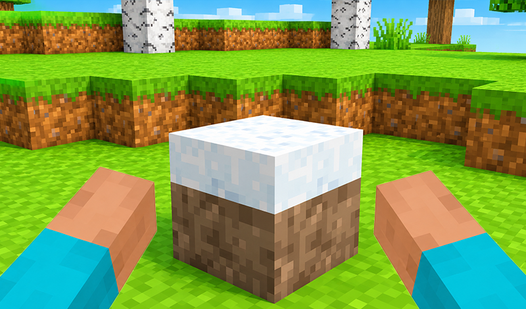
Dragging blocks in Cubes - Relax Playground
Use your mouse or finger to drag blocks onto the grid. Cubes - Relax Playground controls are simple, but don't just click randomly. You need to identify the target pattern first. If you drop a block in the wrong spot, you have to clear it before you can place another one.
How to play Cubes - Relax Playground like a pro
Focus on filling the outer edges of the image first to lock in your frame. This makes the inner details much easier to spot. Just watch out for the drag sensitivity, because it can feel a bit jittery when you are trying to snap blocks into small corners.
Who Should Play Cubes - Relax Playground?
Frequently Asked Questions about Cubes - Relax Playground
Can I play Cubes - Relax Playground on my phone?
Yes, it works perfectly on mobile browsers. You just tap and drag the blocks to build your art while on the go.
How do you clear mistakes in Cubes - Relax Playground?
You just drag a new block over an existing one if you have to swap it out. It is a bit clunky, but it gets the job done.
Is Cubes - Relax Playground free to play?
Yes, Cubes - Relax Playground is completely free to play on Nub Games. Optional in-app purchases are available. No download or registration required.
Can I play Cubes - Relax Playground on mobile?
Cubes - Relax Playground works on both desktop and mobile devices. Best played in portrait mode.
What age rating is Cubes - Relax Playground?
Cubes - Relax Playground has a content rating of 0++. It is suitable for all ages.