











Key Features
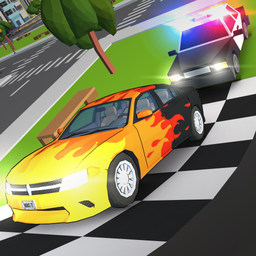
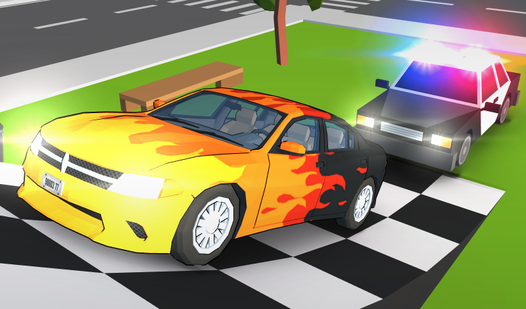
- Police Pursuit AI: Speeding past a patrol car triggers an instant chase. You have to weave through traffic to lose their tail.
- Hidden Part Hunt: Collect scattered components to boost your specs. Finding them unlocks new ways to tune your ride.
- Drift Physics: Weight matters here. You have to counter-steer during long turns or you will spin out into a sidewalk.
- Custom Garage: Spend your scavenged parts to change your look. Your car reflects your style.
How to Play
Crazy City Racing: Mastering the movement
Use the WASD or arrow keys to handle your ride. W builds speed, while A and D handle the turns. Learning the Crazy City Racing controls takes a few minutes, but expect the handling to feel a bit loose at high speeds. If you mess up, hit R to respawn instantly.
How to play Crazy City Racing like a pro
Scour the map for hidden parts to upgrade your build. You need these parts to stand a chance against the tougher cops. Most players forget to use the spacebar handbrake for tight corners. This is a common mistake that leads to hitting walls instead of drifting through them.
Who Should Play Crazy City Racing?
Frequently Asked Questions about Crazy City Racing
How do you lose the police in Crazy City Racing?
You need to maintain high speeds and take sharp, unpredictable turns to break their line of sight. If you stay in their view for too long, they will keep pushing your bumper.
Can I play Crazy City Racing on my phone?
Yes, it runs on mobile devices through your browser. Just make sure your connection is stable so the steering does not lag during intense drifts.
Is Crazy City Racing free to play?
Yes, Crazy City Racing is completely free to play on Nub Games. There are no in-app purchases. No download or registration required.
Can I play Crazy City Racing on mobile?
Crazy City Racing works on both desktop and mobile devices. Best played in landscape mode.
What age rating is Crazy City Racing?
The catalog age rating for Crazy City Racing is 6+.