
















Key Features
- Dynamic Cleanup: Watch the environment shift from a dumpster fire into a pristine sanctuary. Every piece of trash you remove reveals a new plot.
- Style Selection: Pick between different decor sets to match your personal vibe. Your choices dictate the layout of the final arrangement.
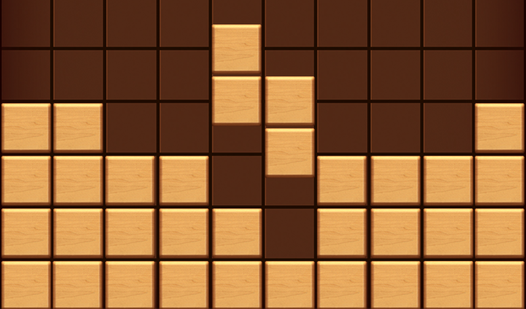
- Mini-game Breaks: Shift gears with quick logic tests. They keep your brain sharp between the slower, more methodical planting tasks.
- Level Progression: Move to larger, messier estates as you master your tools. The later stages require serious organization to fit everything in.
How to Play
Cleaning up the Cozy Garden mess
Use your mouse or tap to drag trash into the bin. You need to clear every single piece of debris before the soil becomes plantable. The Cozy Garden controls are simple, but clicking tiny items gets tedious quickly. Don't rush the cleanup process or you will miss hidden spots behind the bushes.
How to play Cozy Garden effectively
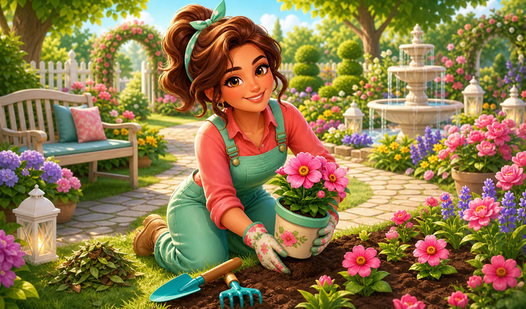
Pick your favorite flowers once the ground is prepped. Arranging them takes a sharp eye, especially when the spacing requirements get tight. This is how to play Cozy Garden if you want the best aesthetic scores. Just watch out for the mini-games. The reaction tests are a bit janky compared to the peaceful gardening.
Who Should Play Cozy Garden?
Frequently Asked Questions about Cozy Garden
Can I play Cozy Garden on my phone?
Yes, it works fine on mobile browsers. Just make sure your screen is clean so you can spot those tiny bits of trash hiding in the corners.
How do you earn more decorations in Cozy Garden?
Complete the cleanup tasks and hit your arrangement goals to unlock new items. You earn currency for every level finished, which you spend in the shop.
Is Cozy Garden free to play?
Yes, Cozy Garden is free to play on Nub Games. No download or registration required.
What age rating is Cozy Garden?
The catalog age rating for Cozy Garden is 0+.