
Key Features
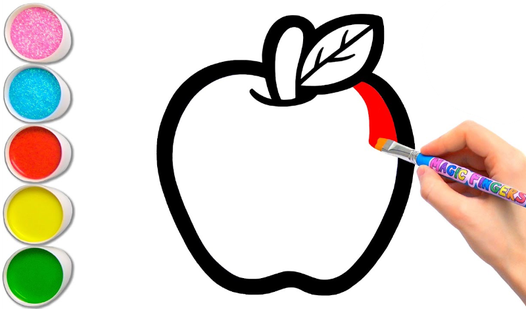
- Clean interface: The UI stays out of your way. You get a massive palette and zero distractions while working.
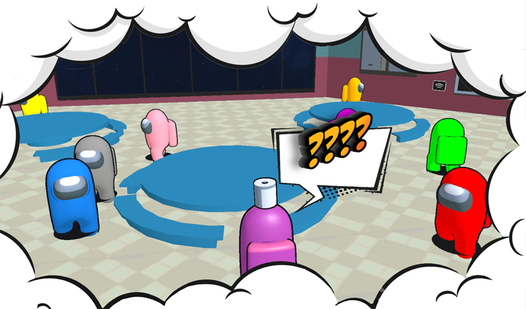
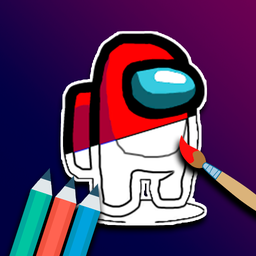
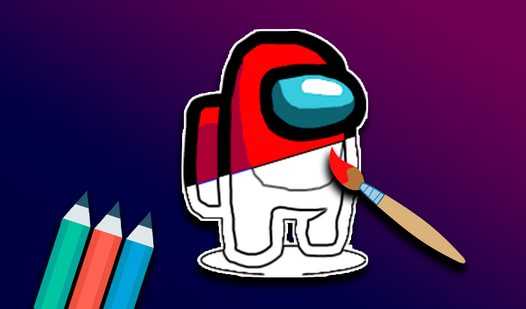
- Classic crewmates: Every character looks exactly like the ones you see in the space game. It is instant recognition.
- Relaxing pace: No timers or impostors hunting you down here. Just pure, quiet painting.
- Infinite redo: Mess up your color choice? Just pick a new one and overwrite it immediately.
How to Play
Coloring Amogus: Getting started
Click any image to open the canvas. Use your mouse or a simple tap on mobile to select a color from the palette and fill in the shapes. Figuring out how to play Coloring Amogus is just that simple. Don't worry about staying inside the lines perfectly; nobody is grading your work.
Refining Coloring Amogus controls
The Coloring Amogus controls are straightforward, but clicking small, tight areas can be tricky on a phone screen. If you zoom in slightly, you avoid clicking the wrong zone. A common mistake is rushing through the fill process without checking the edges. Take your time to get the colors right.
Who Should Play Coloring Amogus?
Frequently Asked Questions about Coloring Amogus
Can I play Coloring Amogus on my phone?
Yes, it works perfectly on mobile devices. You just tap the screen instead of clicking with a mouse to apply your colors.
What are the controls for Coloring Amogus?
You use a mouse to click colors and segments on a computer, or your finger on a touchscreen. It is very intuitive for anyone.
Is Coloring Amogus free to play?
Yes, Coloring Amogus is completely free to play on Nub Games. There are no in-app purchases. No download or registration required.
Can I play Coloring Amogus on mobile?
Coloring Amogus works on both desktop and mobile devices. Best played in landscape mode.
What age rating is Coloring Amogus?
The catalog age rating for Coloring Amogus is 0+.