














Key Features
- Color coded chaos: The board fills up fast. You have to keep your cool while sorting colors under pressure.
- Stacking mechanics: Building a column of ten feels good. It clears the field and gives you breathing room.
- Grid management: Every empty cell is precious. If you waste space early, you will regret it later.
- Visual clarity: The shapes are easy to distinguish. Even when the screen gets busy, you won't lose track.
How to Play
Classic Hexes: Mastering the drag
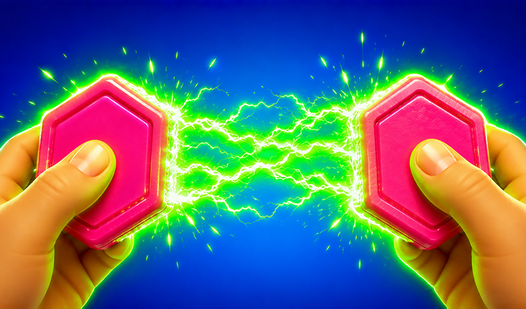
Use your mouse or touchscreen to drag colored tiles onto the grid. You need to fill empty cells to line up ten of the same color. Once you hit that magic number, the column clears. Classic Hexes controls are simple, but don't rush or you will misplace your tiles.
How to play Classic Hexes effectively
The goal is to clear space before the board overflows. If you run out of empty cells, you lose. A common mistake is ignoring the colors at the bottom. Check what is coming next. Learning how to play Classic Hexes requires planning your stacks before you commit to a bad placement.
Who Should Play Classic Hexes?
Frequently Asked Questions about Classic Hexes
Can I play Classic Hexes on my phone?
Yes, it works fine on mobile browsers. You just tap and drag the tiles instead of using a mouse.
How do you clear tiles in Classic Hexes?
You must assemble a vertical tower of exactly ten tiles of the same color. Once they connect, they disappear from the board automatically.
Is Classic Hexes free to play?
Yes, Classic Hexes is free to play on Nub Games. No download or registration required.
What age rating is Classic Hexes?
The catalog age rating for Classic Hexes is 6+.