




Key Features
- Adaptive AI: The 21 difficulty levels mean you never hit a wall. When you beat a bot, the next one actually forces you to think.
- Post-game analysis: The engine points out exactly where you threw the game away. It turns every loss into a lesson.
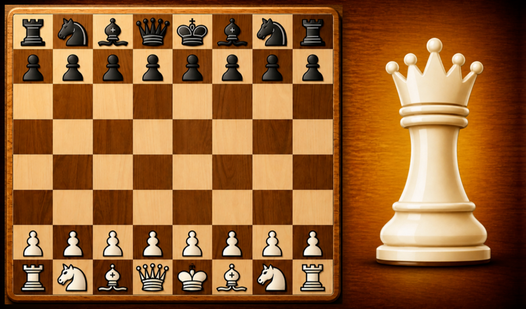
- Real-time handicaps: You can give yourself an extra queen or remove a knight to balance the board. It makes lopsided matches much more competitive.
- Visual history: The move log lets you scroll back through the chaos. It helps you spot the exact moment your defense crumbled.
How to Play
Chess for free: Getting started
Click or tap your pieces to highlight the legal moves. You use standard Chess for free controls—just point and click to command your army. Stick to the center of the board early on. If you control the middle, you dictate the pace of the entire match.
Mastering Chess for free strategy
Don't ignore the helpful hints if you get stuck in a corner. The game lets you take back moves, which is how to play Chess for free without the sting of a single bad blunder ruining your day. Just watch out; over-relying on the undo button won't help you improve long-term.
Who Should Play Chess for free?
Frequently Asked Questions about Chess for free
How do you undo a move in Chess for free?
You just hit the back button on the interface after making a mistake. It is a lifesaver when you realize you just hung your rook to a simple pawn trade.
Does Chess for free have multiplayer?
Yes, you can play against a friend on the same screen or send them a link to play remotely. It works well for quick matches when you are bored.
Is Chess for free free to play?
Yes, Chess for free is completely free to play on Nub Games. Optional in-app purchases are available. No download or registration required.
Can I play Chess for free on mobile?
Chess for free works on both desktop and mobile devices. Best played in portrait mode.
What age rating is Chess for free?
The catalog age rating for Chess for free is 6+.