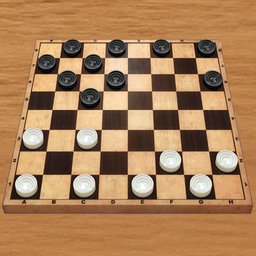
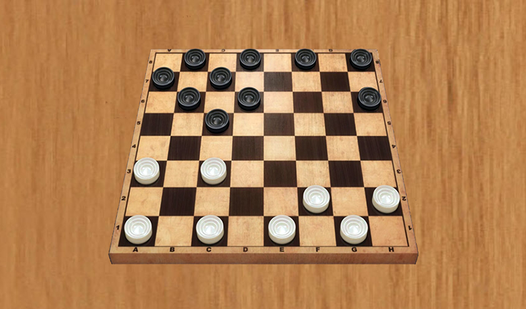




Key Features
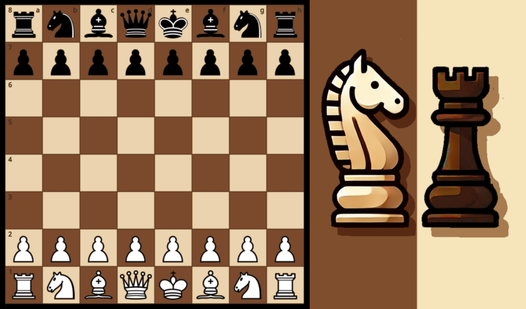
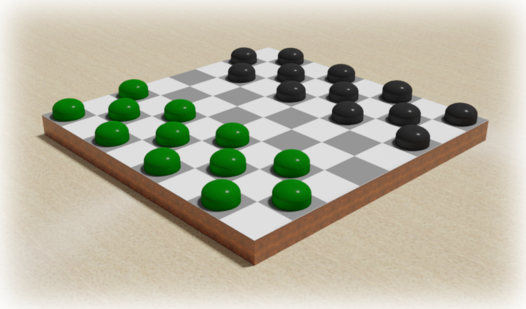
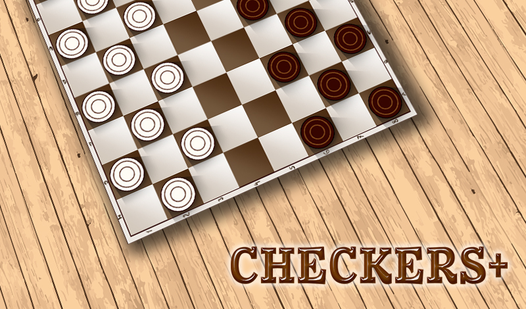
- Clean Board Layout: The high-contrast colors mean you never lose track of your pieces. It stays out of your way so you can focus.
- Aggressive Computer AI: The CPU doesn't throw the game. It hunts for your mistakes and capitalizes on every open lane.
- Minimalist UI: Buttons are sparse. This keeps the screen clear for the actual match.
- Accessible Logic: Rules are standard. You jump right into the strategy without reading a manual.
How to Play
Checkers Master: How to start
First, select your color to dictate who moves first. Use your mouse or tap the screen to engage the Checkers Master controls. Click any piece to see its valid moves highlighted on the board. Don't rush your initial formation; you need a solid defensive line before you start hunting for double jumps.
Mastering Checkers Master movement
Once you understand how to play Checkers Master, the logic becomes clear. Tap a checker to select it, then tap the target square to commit. Watch out for forced jumps, as the game won't let you bypass them. One annoying quirk is the lack of an undo button, so think twice before clicking.
Who Should Play Checkers Master?
Frequently Asked Questions about Checkers Master
Can I play Checkers Master on my phone?
Yes, it works fine on mobile browsers. The touch controls are responsive enough that you won't struggle to select specific squares during a tight match.
What games are similar to Checkers Master?
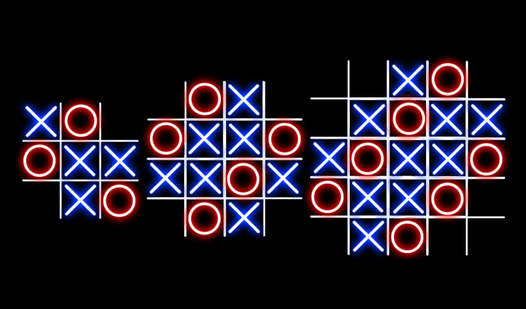
If you like abstract strategy, try Tic-Tac-Toe 3х3,4х4,5х5 for quick logic tests. For something slower, Vita Mahjong 2025 offers a different kind of pattern matching.
Is Checkers Master free to play?
Yes, Checkers Master is completely free to play on Nub Games. There are no in-app purchases. No download or registration required.
Can I play Checkers Master on mobile?
Checkers Master works on both desktop and mobile devices. Best played in landscape mode.
What age rating is Checkers Master?
The catalog age rating for Checkers Master is 6+.