



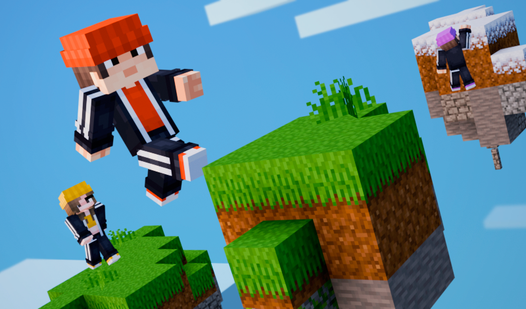













Key Features
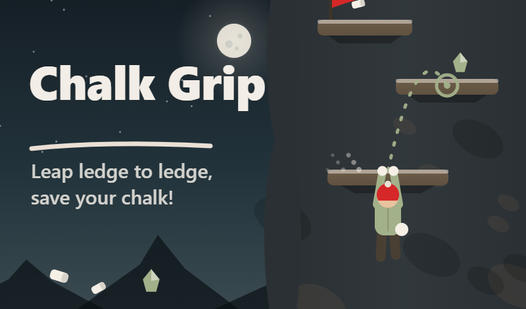
- Perfect grab mechanic: Landing dead center on a ledge keeps your streak going. This earns you extra chalk and prevents you from slipping off the mountain.
- Shop and upgrades: Collect green crystals to buy a bigger bag or stronger fingers. You can also purchase a safety rope or a tea flask.
- Moving ledges: From level eight the ledges start sliding across the wall. The perfect-jump window also shrinks to make the climb more difficult.
How to Play
Mastering the Chalk Grip jump
Tap the screen to leap toward the point indicated by your aim. A green marker shows you will land in the perfect-grab zone. This is how to play Chalk Grip effectively because hitting the center returns one piece of chalk to your supply. Missing the center costs you chalk.
Chalk Grip controls and movement
Chalk Grip controls on desktop include mouse clicks, Space, Arrow Up, or W keys. Use these to jump when the aim points at a ledge. If you run out of chalk, you cannot hold the edge and will slip. Always keep an eye on your chalk count before jumping.
Who Should Play Chalk Grip?
Frequently Asked Questions about Chalk Grip
How do you get more chalk in Chalk Grip?
You earn one piece of chalk every time you land a perfect grab in the center of a ledge. You can also pick up individual chalk pieces directly from the ledges.
Can I play Chalk Grip on my phone?
Yes, the game is supported on mobile devices. You play the entire game using one finger to tap the screen at the right moment.
What are the controls for Chalk Grip on desktop?
You can jump using a mouse click, the Space bar, the Arrow Up key, or the W key. These Chalk Grip controls work in any keyboard layout.
Is Chalk Grip free to play?
Yes, Chalk Grip is free to play on Nub Games. No download or registration required.
What age rating is Chalk Grip?
The catalog age rating for Chalk Grip is 6+.