






Key Features
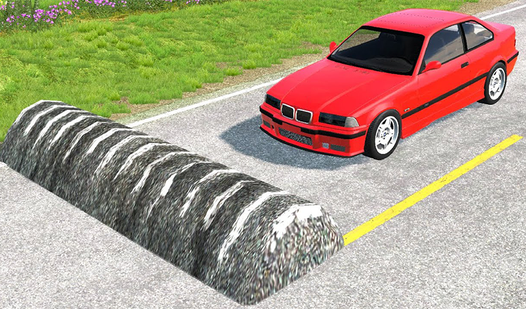
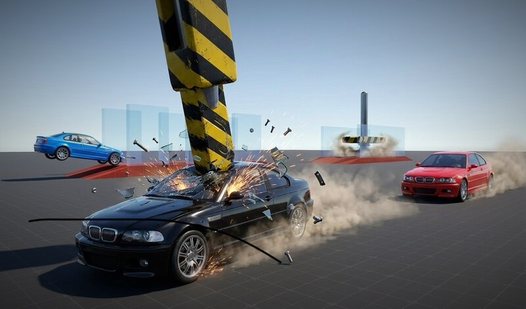
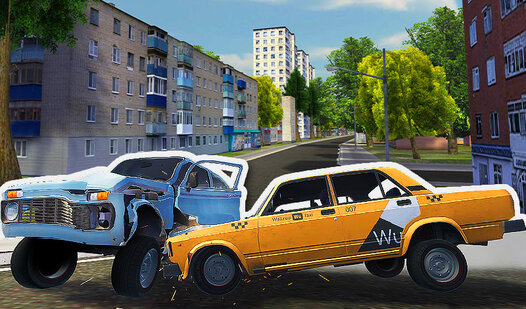
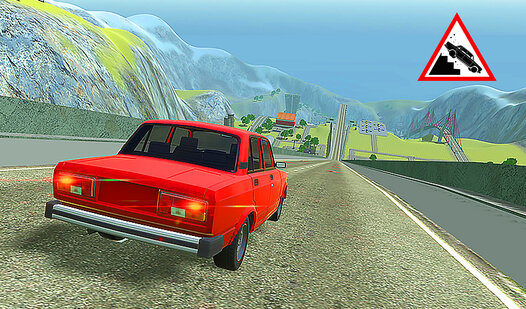
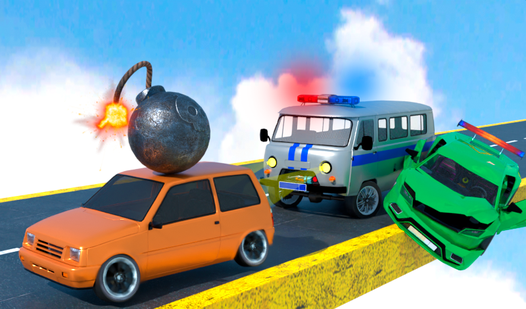
- Soft-Body Physics: Bodywork crumples in real time, and damage affects how the vehicle handles.
- Handling Profiles: Choose between arcade and realistic handling settings.
- Time Control: Slow down time to view collisions or use the rewind function to repeat maneuvers.
How to Play
Driving
On a computer, use WASD or arrow keys to steer, accelerate, and brake. On mobile, use the on-screen steering arrows and pedals.
Managing Crashes
Hold Shift to slow down time before impact, hold T to rewind, or press R to reset the car.
Vehicle Functions
Use Space for the handbrake, C to switch camera views, and I, H, or L for ignition, horn, and headlights.
Customization
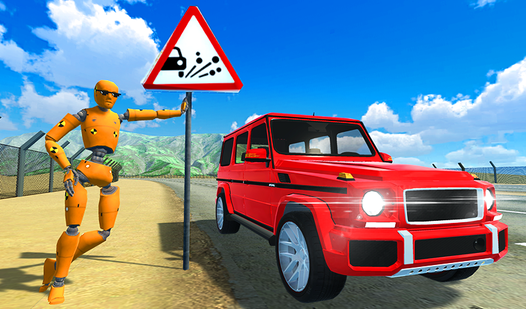
Access the menu to select different cars, choose test ranges, and adjust the handling profile between arcade and realistic.
Who Should Play Car Crash Polygon?
Frequently Asked Questions about Car Crash Polygon
How do I change my vehicle or environment?
Open the in-game menu to select a new car and choose your preferred test range.
Does damage affect gameplay?
Yes, the deformation caused by impacts changes the way the car drives.
Is Car Crash Polygon free to play?
Yes, Car Crash Polygon is free to play on Nub Games. Optional in-app purchases are available. No download or registration required.
Can I play Car Crash Polygon on mobile?
Car Crash Polygon works on both desktop and mobile devices. Best played in landscape mode.
What age rating is Car Crash Polygon?
The catalog age rating for Car Crash Polygon is 6+.