











Key Features
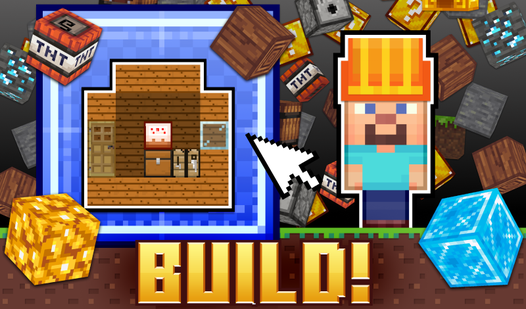
- Blueprint precision: The game highlights where blocks need to go for the goal. You must line them up perfectly or the structure stays incomplete.
- Creative freedom: Once the required task is done, you can keep stacking blocks into a giant mess.
- Camera navigation: Pivoting the view is vital to avoid hiding your own work.
- Eraser utility: Fix mistakes instantly without restarting the whole project.
How to Play
Block Building: The Basics
Mastering the Block Building controls requires a light touch. Select a block from the top menu and click or tap to place it. Holding your mouse or finger lets you pan around the site to check your angles. Most players mess up by placing pieces too far from the base, which ruins the structural alignment.
How to play Block Building like a pro
To learn how to play Block Building, focus on the grid lines before you commit to a placement. Each task demands specific shapes, so don't rush. The eraser is your best friend when you misclick. Later tasks get tricky when you have to stack blocks in tight corners that hide behind your current build.
Who Should Play Block Building?
Frequently Asked Questions about Block Building
Can I play Block Building on my phone?
Yes, it works perfectly on mobile devices. Just tap your screen to select blocks and swipe to move the camera around the construction site.
How do you delete mistakes in Block Building?
Select the eraser icon from the top menu bar. Once selected, tap or click any block you placed to remove it from the build area.
Is Block Building free to play?
Yes, Block Building is completely free to play on Nub Games. There are no in-app purchases. No download or registration required.
Can I play Block Building on mobile?
Block Building works on both desktop and mobile devices. Best played in landscape mode.
What age rating is Block Building?
The catalog age rating for Block Building is 6+.