



Key Features
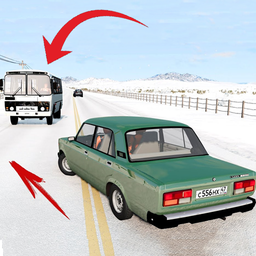
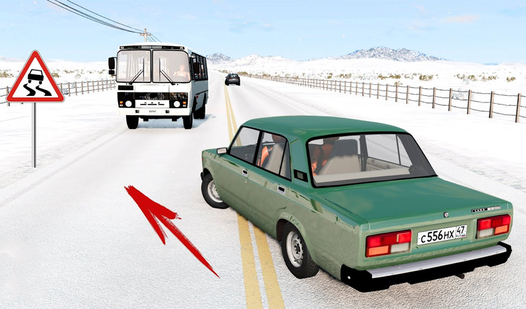
- Crunchy metal physics: Cars crumple realistically during every collision. You’ll see doors fly off and engines smoke after a bad head-on smash.
- Chaos tools: Trigger sirens and fireworks mid-race. It adds a weird, loud layer of noise to your destruction.
- Custom kits: Slap on body kits to change how your car looks. It doesn’t change the handling, but it looks cooler.
- Variable camera: Rotate the view with your mouse. It helps you line up jumps better.
How to Play
Beam Drive Crash: Mastering the wheel
Use WASD or your arrow keys to steer. Beam Drive Crash controls feel a bit loose at high speeds, so take those corners early. You need to learn how to play Beam Drive Crash by balancing your momentum before you hit a concrete wall.
Beam Drive Crash: Using your gear
Hit F for nitro when you see a ramp approaching. The most common mistake is triggering your fireworks or sirens while trying to focus on your line. Keep your fingers ready for the Space bar handbrake. You’ll need it to avoid flying off the map completely.
Who Should Play Beam Drive Crash?
Frequently Asked Questions about Beam Drive Crash
How do you launch fireworks in Beam Drive Crash?
Just press the Q key while you are driving around. It sets off a display that looks pretty ridiculous when you are barreling toward a solid barrier.
Can I play Beam Drive Crash on my phone?
Yes, it runs on mobile devices as well as desktop browsers. The touch controls for steering are functional, though you might prefer a keyboard for stunts.
Is Beam Drive Crash free to play?
Yes, Beam Drive Crash is completely free to play on Nub Games. There are no in-app purchases. No download or registration required.
Can I play Beam Drive Crash on mobile?
Beam Drive Crash works on both desktop and mobile devices. Best played in landscape mode.
What age rating is Beam Drive Crash?
The catalog age rating for Beam Drive Crash is 6+.