











Key Features
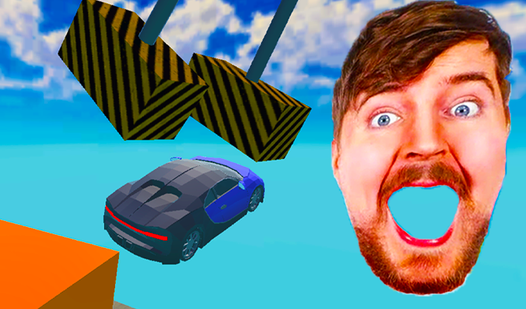
- Violent physics engine: Every impact crumples your chassis in real-time. Watch your trunk fold like paper when you hit the fifty gates.
- Track variety: The broken bridge requires nerves of steel. Meanwhile, the ski jump tests if you can actually nail a landing.
- Garage progression: Swap between grandpa’s rust bucket and the grandson’s drift machine. Each one handles the terrain differently.
- Leaderboard glory: Post your high scores to prove you’re the best wrecker. Just don’t expect to stay on top for long.
How to Play
Beam Drive: Master the steering
Use WASD to navigate the chaos while the mouse handles your view. If you want to know how to play Beam Drive, start by keeping your speed steady on the suspension test. Don’t floor it early. You’ll just end up flying off the track before you hit the main obstacles.
Refining Beam Drive controls
The Beam Drive controls feel a bit slippery when you’re drifting in the sandbox. This makes high-speed maneuvers a nightmare to pull off. You’ll need to tap your keys rather than holding them down if you want to keep your car in one piece for more than ten seconds.
Who Should Play Beam Drive?
Frequently Asked Questions about Beam Drive
Can I play Beam Drive on my phone?
Yes, it works fine on mobile devices using touch controls. Just tap the screen to steer and manage your camera angles while you smash your car into bits.
What are the controls for Beam Drive?
On your computer, use the WASD keys to drive and your mouse to look around. If you’re on a phone, use the virtual buttons displayed on the screen instead.
Is Beam Drive free to play?
Yes, Beam Drive is completely free to play on Nub Games. Optional in-app purchases are available. No download or registration required.
Can I play Beam Drive on mobile?
Beam Drive works on both desktop and mobile devices. Best played in landscape mode.
What age rating is Beam Drive?
The catalog age rating for Beam Drive is 6+.