
3D Car Games
Noob: Obby on a Bike
The Long Drive
Barry's Prison Break Original!
Obby: Training on the train
Crazy Car Driving: Complete the track!
Obbie Tycoon: Money Tycoon
Boxteria 2
Crafting fighting car out of blocks
Obby: Grow with every step
Obbie Tycoon: Beach Tycoon
Build Noob's Car 3D!
Truck parkour
Obby: Swimming competition
4wd Only Up!
Obby Driving: 1-2 Players
Boo Scared 6: Italian Circus
Crafting car out of blocks
Epic Car Stunt Race Obby
Catch-up Simulator: 3D Survival Racing
Blocky Bike Madness
Obbie Tycoon: Zoo
Build your car
Passes On The Rights
Sprunki: but now all the cars!
Cars under the city sky
Need for Steed: New Beginning
Boxteria
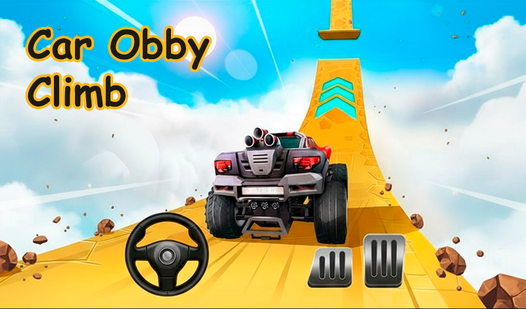
Car Obby Climb
Millionaire Simulator: Become Rich!
Noob: Obby in a car
Guess the Best Memes by Sound!
Obby: Car Dealer Simulator
CCCR - Crush Soviet Car
Rus and Lizards: Battle for Baikal
Video call with the Blue Tractor!
Robby City Tycoon : Build a Business
Nubic Car Crasher
Obby: Car Training
Survival Cars: Modes
Labubu: Hill Climb
Dead roads
Obby Monster Truck
Block Sandbox Playground
Merge Drills
Sandbox: Build And Destroy 3D
Skate Hooligans
Tile Building
Race Survival: Arena King
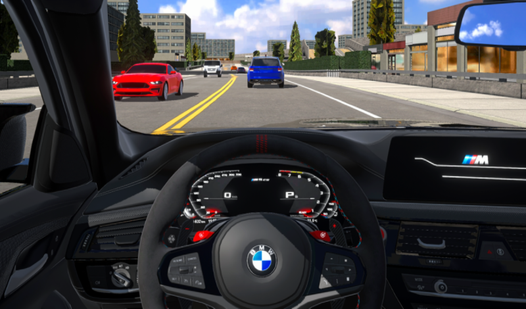
Autobahn: M5 Drift
Shape Shift Race Transform 3D
Gas station and car service simulator
Super Ball Racing
Bus Driver Simulator Ultimate
Survival Race: Destroying simulator!
Car Destruction Simulator 3D
DriveHub Online
Cool Cars Run 3D
Shashki in the City Hustle
Restore Car 3D
Crime and Vice City Police




About these games
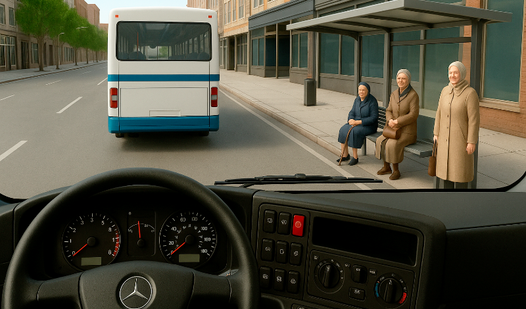
3D car games put you behind the wheel in full perspective: a road that runs to the horizon, mirrors that show what's behind you, and a car body that leans and rolls as you push it.
This page is the overlap of two things our catalog tracks separately. The Racing Games hub also covers flat 2D and top-down racers where you read the track from above; the 3D Games hub spans every genre rendered in three dimensions, not just driving. The intersection here is what most people picture when they say "3D car game": a real cockpit or chase view, depth you have to judge, and steering that rewards smooth input.
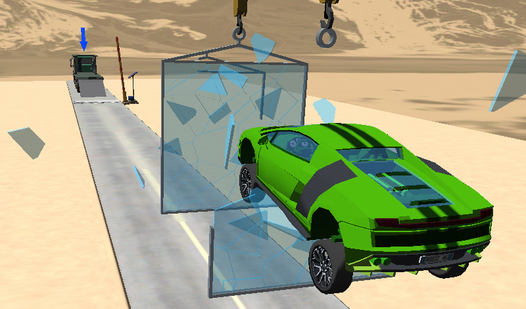
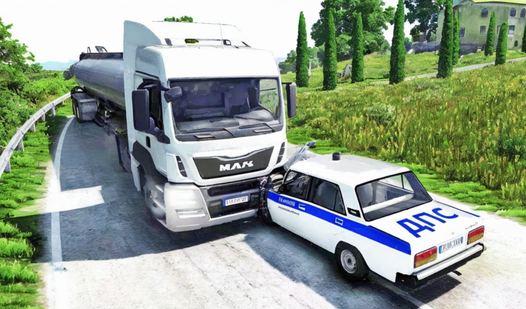
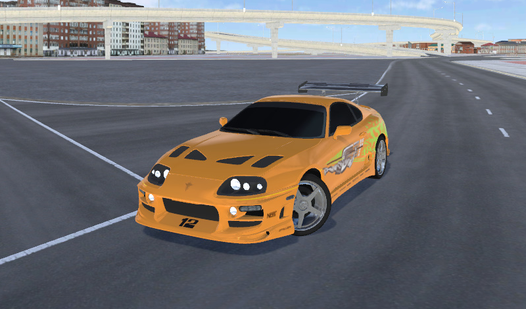
The titles sort into a few shapes. Street and circuit racing against AI or a clock; drift events scored on angle and chain; off-road and monster-truck runs over broken terrain; parking and driving sims that test precision over speed; and demolition derby where the goal is to wreck the other cars. Depending on the game, controls can include arrow keys or WASD to steer, brake and handbrake on dedicated keys. Sessions run short - a race or two between other things. For something tougher, try 3D Shooter Games.
Browse more
Related combinations
FAQ
What are 3D car games?
3D car games are driving and racing games rendered in three dimensions, played from a cockpit or chase view. You judge distance, braking points and cornering the way you would in a console driving game, but they run in a browser tab. The category covers circuit racing, drift, off-road, parking sims and demolition derby — anything where you control a vehicle in a full 3D world rather than a flat top-down track.
How do I steer in browser 3D car games?
Depending on the game, arrow keys or WASD can steer and accelerate, Space can operate the handbrake, and C can change the camera. Check the selected game's control layout. On a phone, look for touch steering and pedals; with a keyboard, check the available control settings.
Can I play 3D car games on my phone?
Check for touch steering in the selected game, then try a short drive on the intended phone.
Are these 3D car games free, and are they for kids?
These car games are free to play in the browser. Check the selected game's age label, driving style and any purchase offers before choosing it for a child. For a children's driving collection, see Car Games for Kids.