








Key Features
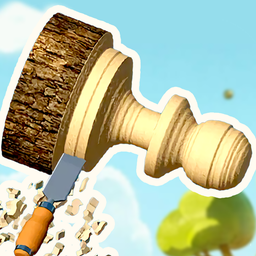
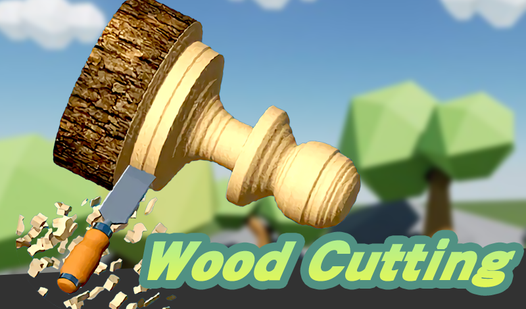
- Tactile carving feedback: The saw vibrates against the wood. You feel the tension as you curve around tight corners, risking a jagged mistake.
- Custom paint jobs: Splashing color onto your finished work provides a nice visual payoff. It makes the digital labor feel worth the time.
- Stencil precision: Spraying through the pattern requires a steady mouse. One wrong flick ruins the entire design.
- Profit progression: Higher tier orders demand more complex shapes. You get paid more for cleaner work.
How to Play
Mastering Wood Cutting tools
To learn how to play Wood Cutting, you must hold the screen or click to engage your saw. Drag your mouse to follow the outline. Wood Cutting controls rely on your steady hand. If you rush, you will hack through the lines and ruin your profit margins immediately.
Finishing Wood Cutting projects
Once the shape is cut, you move to sanding and painting. Use the brush to fill in the color. Don't worry if your first few pieces look like a disaster. Everyone starts somewhere. The stencil stage is where you earn the big cash, so keep your focus sharp until the very end.
Who Should Play Wood Cutting?
Frequently Asked Questions about Wood Cutting
How do you achieve perfect cuts in Wood Cutting?
Move your mouse slowly along the dotted lines instead of rushing. If you jerk the cursor too fast, the game registers a jagged edge that ruins your final score.
Can I play Wood Cutting on my phone?
Yes, it works fine on mobile browsers. Just tap and drag your finger across the screen to mimic the mouse movements you use on a desktop.
Is Wood Cutting free to play?
Yes, Wood Cutting is completely free to play on Nub Games. There are no in-app purchases. No download or registration required.
Can I play Wood Cutting on mobile?
Wood Cutting works on both desktop and mobile devices. Best played in portrait mode.
What age rating is Wood Cutting?
The catalog age rating for Wood Cutting is 0+.