







Key Features
- Split Screen Action: Invite a friend to the same keyboard for some heated competition. The tube splits to track both your runs simultaneously.
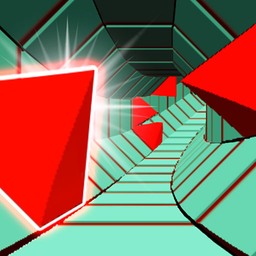
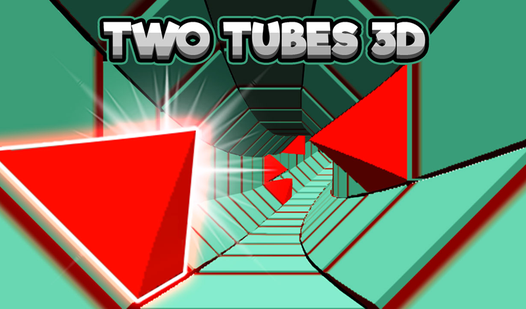
- Neon Speed Loops: The tunnel twists and rotates, forcing you to adjust your perspective constantly. It’s disorienting in the best way.
- High Stakes Agility: Every meter you survive pushes the game speed higher. You won’t have time to blink.
- Minimalist Visuals: The clean lines help you spot incoming threats without clutter. It keeps the focus on your reaction time.
How to Play
Mastering the Two Tubes 3D controls
Use A, D or the arrow keys to weave through the tunnel. Learning how to play Two Tubes 3D starts with keeping your thumb off the panic button. Most people die because they overcompensate for the turns. Just nudge the keys gently to stay centered.
Two Tubes 3D: Avoiding the wall
The Two Tubes 3D controls feel a bit floaty when you’re moving at top speed. You have to anticipate the gaps before they appear on your screen. If you wait until the last second to shift, you’ll slam into the sides. Getting greedy with your turns is a common mistake.
Who Should Play Two Tubes 3D?
Frequently Asked Questions about Two Tubes 3D
Does Two Tubes 3D have multiplayer?
Yes, you can jump into a head-to-head mode on the same desktop. It splits the screen so you can see exactly when your friend messes up.
What are the controls for Two Tubes 3D?
You use the A and D keys or your left and right arrows to shift position. It is simple to pick up, though the sensitivity takes a minute to get used to.
Is Two Tubes 3D free to play?
Yes, Two Tubes 3D is completely free to play on Nub Games. There are no in-app purchases. No download or registration required.
Can I play Two Tubes 3D on mobile?
Two Tubes 3D is currently available on desktop only. Best played in landscape mode.
What age rating is Two Tubes 3D?
Two Tubes 3D has a content rating of 0++. It is suitable for all ages.