




Key Features
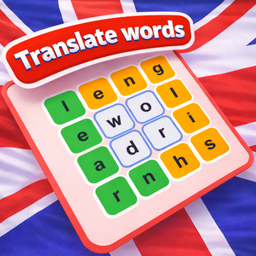
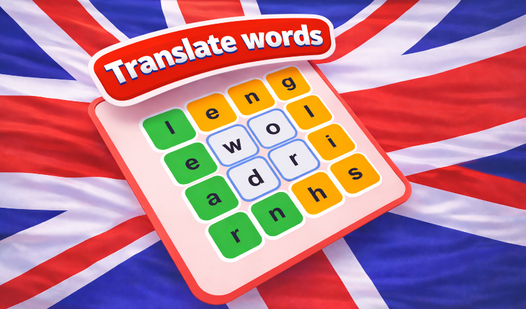
- Grid logic: The letters sit in a fixed block. You must visualize the paths before you commit to a specific spelling.
- Lexical grind: Every level forces you to dig deep into your vocabulary. It feels like a standard test but with actual consequences.
- Visual clarity: The board stays clean. You won't struggle to read the characters while you are deep in a run.
- Mental stretch: Difficulty spikes happen without warning. You'll need to pivot your strategy when the grid configuration shifts.
How to Play
Translate words: Master the basics
Click and drag your mouse or tap your screen to connect letters. You need to form English words by linking adjacent tiles horizontally or vertically. The Translate words controls are simple, but don't rush. Most players mess up by scanning too fast and missing obvious three-letter combinations early on.
Translate words: How to play properly
Learning how to play Translate words means spotting patterns before you start dragging. Clear the board by finding every hidden term. If you get stuck, look for common prefixes or suffixes. Some of the later boards are kind of unfair because the letter layout limits your options significantly.
Who Should Play Translate words?
Frequently Asked Questions about Translate words
Can I play Translate words on my phone?
Yes, it works fine on mobile browsers. Just tap and drag the letters as you would on a desktop to clear the boards.
What are the controls for Translate words?
Translate words uses simple touch or click-and-drag inputs. You just select the letters in sequence and release to lock in your word choice.
Is Translate words free to play?
Yes, Translate words is completely free to play on Nub Games. Optional in-app purchases are available. No download or registration required.
Can I play Translate words on mobile?
Translate words works on both desktop and mobile devices. Best played in none mode.
What age rating is Translate words?
Translate words has a content rating of 0++. It is suitable for all ages.