






Key Features
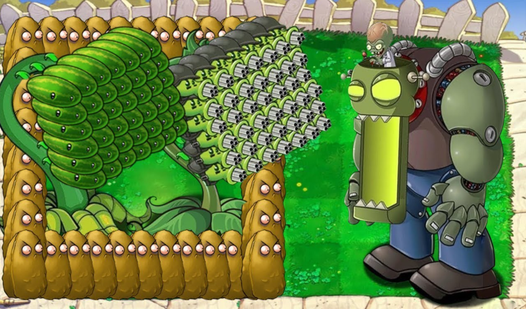
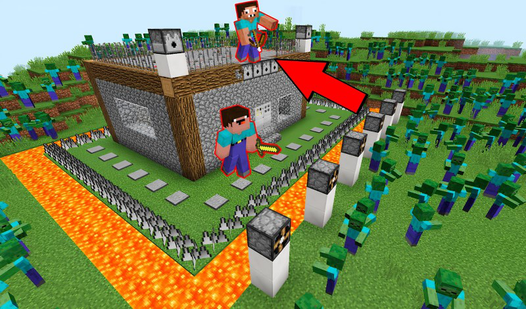
- Tactical turret placement: Map geometry dictates your line of fire. You have to anticipate enemy paths or your shots will hit nothing but empty pavement.
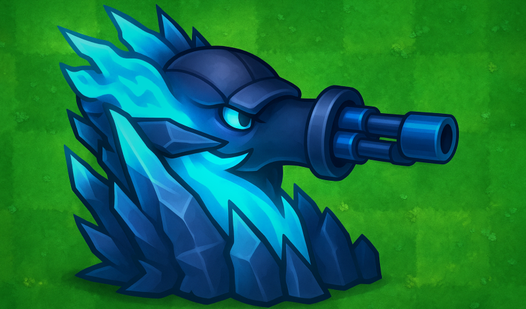
- Aggressive upgrade path: Every level increases fire rate and range. It turns a weak pop-gun into a screen-clearing machine.
- Boss wave pressure: These guys eat bullets for breakfast. You need heavy hitters ready when they show up.
- Custom skin crates: Open cases to flex your style. It adds some personality to your defense.
How to Play
Tower Defense Simulator: Getting started
First, you need to master the Tower Defense Simulator controls by using WASD or your joystick to navigate the base. Walk up to the helicopter to pick your mission. Don't waste your starting coins on cheap turrets, or you'll get steamrolled before the first boss even spawns.
How to play Tower Defense Simulator effectively
Once the enemies start spawning, drag your turrets into the green zones. This is how to play Tower Defense Simulator without losing your mind. A common mistake is ignoring the upgrade button. Keep dumping those coins into your existing towers instead of spamming weak ones everywhere.
Surviving the Tower Defense Simulator late game
Upgrades turn your basic shooters into absolute monsters. Just watch out for the flying units. They move fast and ignore your ground-based traps, which can ruin your perfect run in seconds. Keep your eyes peeled for those quick swarms if you want to climb the global leaderboard.
Who Should Play Tower Defense Simulator?
Frequently Asked Questions about Tower Defense Simulator
How do you upgrade your units in Tower Defense Simulator?
Tap on a placed turret while the match is running to open the upgrade menu. Spend the coins you earned from kills to boost its stats immediately.
Can I play Tower Defense Simulator on my phone?
Yes, it works on mobile devices as long as you have a decent browser. The touch controls are responsive enough for placing towers during the heat of battle.
Is Tower Defense Simulator free to play?
Yes, Tower Defense Simulator is completely free to play on Nub Games. Optional in-app purchases are available. No download or registration required.
Can I play Tower Defense Simulator on mobile?
Tower Defense Simulator works on both desktop and mobile devices. Best played in landscape mode.
What age rating is Tower Defense Simulator?
The catalog age rating for Tower Defense Simulator is 12+.