






Key Features
- Pixel Physics: Objects react to movement in real-time. If you knock a support beam, the whole room hits the floor.
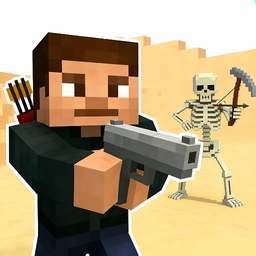
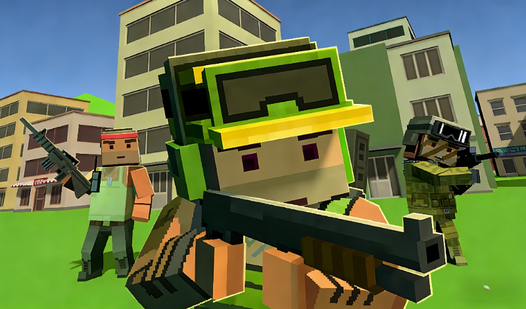
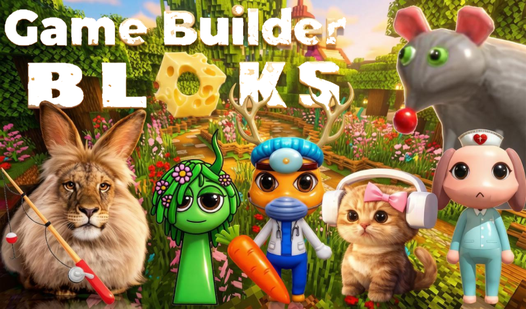
- Armory Access: Equip heroes with distinct gear. A sword-wielding unit clears space much faster than a standard archer.
- Block Variety: Stack different textures to create elevation. Some blocks are sturdier than others.
- World Customization: You decide where the battlefield sits. Shift the terrain to trap enemies in corners.
How to Play
The Construct: Mastering the grid
Use WASD and your mouse to place objects. The Construct controls feel snappy, though placing blocks on edges gets weird if you move too fast. How to play The Construct involves lining up your perspective first. If you try to build while sprinting, you will clip through your own walls.
Why The Construct gets chaotic
Equipping your heroes with gear matters more than the architecture itself. Give them heavy armor if you want them to survive the random physics glitches that occur when objects collide. Don't build your towers too high yet. Gravity is a total nightmare in this game once your structure hits the height limit.
Who Should Play The Construct?
Frequently Asked Questions about The Construct
Can I play The Construct on my phone?
Yes, you can run this in your mobile browser without any extra steps. The touch controls are surprisingly responsive for a game that relies on placing tiny blocks.
How do you equip weapons in The Construct?
Select your hero from the bottom menu, then click the gear icon to open their inventory. Drag a weapon onto the hero slot to change their combat stats.
Is The Construct free to play?
Yes, The Construct is completely free to play on Nub Games. There are no in-app purchases. No download or registration required.
Can I play The Construct on mobile?
The Construct works on both desktop and mobile devices. Best played in landscape mode.
What age rating is The Construct?
The catalog age rating for The Construct is 12+.