











Key Features
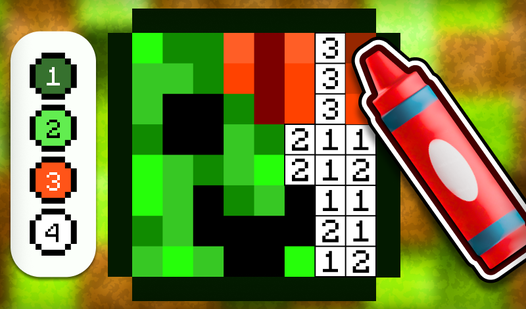
- Logic Puzzles: These classroom scenarios force you to think before you mark. One wrong answer changes your entire day's score.
- Grading Grind: Check homework piles after the bell. It tests your memory under pressure.
- Teacher Awards: Collect shiny badges for your desk. They show off how many students you didn't accidentally fail.
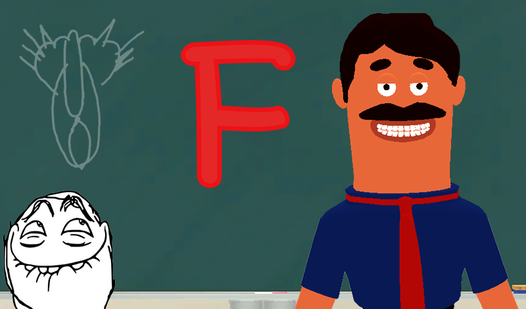
- School Chaos: The classroom atmosphere is frantic. Expect constant distractions while you try to teach.
How to Play
Teacher Simulator: Master the Gradebook
Use your mouse or tap to select answers and mark homework. You need to read every prompt carefully. Teacher Simulator controls feel a bit sluggish on older phones, so tap with purpose. If you mess up a grade, just remember you can fix your mistakes at the end of the school day.
How to play Teacher Simulator effectively
Focus on the logic puzzles during lessons before you worry about the homework pile. Don't rush through the questions. A common mistake is clicking too fast and missing the subtle details in the student responses. Master the rhythm of the class and you will eventually unlock the higher-tier teacher awards.
Who Should Play Teacher Simulator?
Frequently Asked Questions about Teacher Simulator
Can I play Teacher Simulator on my phone?
Yes, you can play Teacher Simulator on any mobile device with a web browser. It runs fine on touch screens, though you might find the smaller icons tricky to hit.
What games are similar to Teacher Simulator?
If you want more chaos, try Obby: Escape from Barry Prison for platforming or Hunt for Brainrots: Online for a completely different kind of challenge.
Is Teacher Simulator free to play?
Yes, Teacher Simulator is completely free to play on Nub Games. There are no in-app purchases. No download or registration required.
Can I play Teacher Simulator on mobile?
Teacher Simulator works on both desktop and mobile devices. Best played in portrait mode.
What age rating is Teacher Simulator?
The catalog age rating for Teacher Simulator is 6+.