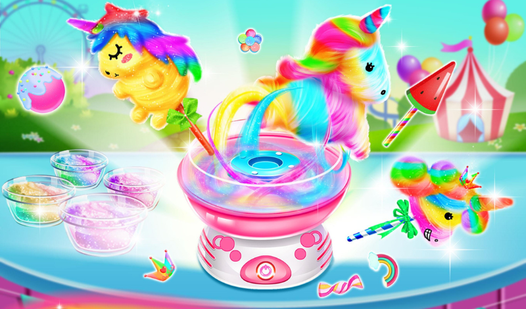












Key Features
- Sticky Physics: The sugar strands react to your mouse movement. If you jerk the cursor away, parts of the candy will fall off.
- Flavor Combos: Mixing colors changes the final look. You get points based on how vibrant the final product appears.
- Bakery Upgrades: Better machines allow for faster spinning. This makes the later, harder orders much more manageable.
- Anime Aesthetics: Everything looks like it was ripped straight from a Saturday morning cartoon. It is bright, loud, and weirdly aggressive.
How to Play
Sweets for joy: Mastering the spin
Use your mouse or tap the screen to guide the sugar stream. You need to keep the stick rotating inside the bowl to catch every strand. Sweets for joy controls feel a bit floaty at first, so keep your movements steady. This is how to play Sweets for joy without making a massive mess.
Sweets for joy: Watch the heat
Don't let the machine overheat or you will burn the batch. A common mistake is moving too quickly around the edges before the base is set. Once the fluff builds up, you must balance the stick carefully to reach the high-score targets. The later levels turn into a real nightmare of timing.
Who Should Play Sweets for joy?
Frequently Asked Questions about Sweets for joy
Can I play Sweets for joy on my phone?
Yes, you can play on any mobile device with a touch screen. The controls are actually better on a phone than on a computer.
How do you avoid burning the candy in Sweets for joy?
Pull your cursor away from the center when the warning light flashes. You have to wait a second for the machine to cool down before resuming.
Is Sweets for joy free to play?
Yes, Sweets for joy is completely free to play on Nub Games. There are no in-app purchases. No download or registration required.
Can I play Sweets for joy on mobile?
Sweets for joy works on both desktop and mobile devices. Best played in portrait mode.
What age rating is Sweets for joy?
The catalog age rating for Sweets for joy is 0+.