











Key Features
- Clean logic focus: The board stays out of your way. You only see the grid, the numbers, and your own mistakes.
- Smart note system: Toggle the green indicator to pencil in possibilities. It saves your bacon when the grid gets tight.
- Variable difficulty: Push from beginner to expert. The logic requirements ramp up fast, forcing you to spot hidden patterns.
- Clear mode mistakes: Click the red indicator to wipe a cell clean. It is a quick reset for when you hit a dead end.
How to Play
Sudoku classic (9): mastering the grid
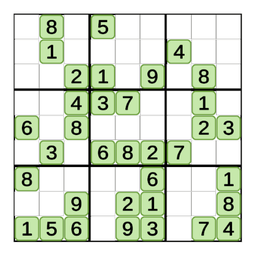
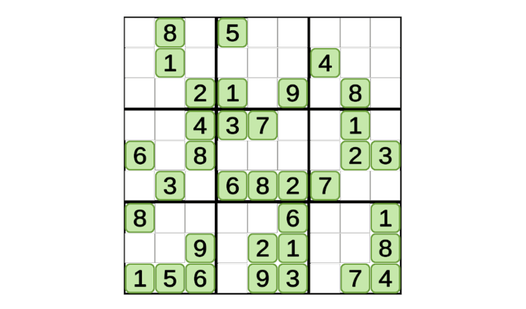
Your goal is to fill the 9x9 board so every row, column, and 3x3 box contains digits 1-9 once. Use your mouse or tap to select cells. Keep an eye on the Sudoku classic (9) controls to toggle between normal, notes, and clear modes. Don't guess early.
How to play Sudoku classic (9) like a pro
Use the notes mode for potential candidates when you are stuck. It stops you from making messy mistakes. Learning how to play Sudoku classic (9) properly means scanning for naked singles first. The UI can feel a bit stiff during rapid inputs, so take your time.
Who Should Play Sudoku classic (9)?
Frequently Asked Questions about Sudoku classic (9)
How do you use the note mode in Sudoku classic (9)?
Switch the toggle to the green indicator. Now, any digit you click into a cell acts as a small hint rather than a final answer.
Can I play Sudoku classic (9) on my phone?
Yes, it works on mobile browsers. The touch interface is responsive enough for tapping, though tiny screens might make you misclick occasionally.
Is Sudoku classic (9) free to play?
Yes, Sudoku classic (9) is completely free to play on Nub Games. There are no in-app purchases. No download or registration required.
Can I play Sudoku classic (9) on mobile?
Sudoku classic (9) works on both desktop and mobile devices. Best played in none mode.
What age rating is Sudoku classic (9)?
The catalog age rating for Sudoku classic (9) is 12+.