

Key Features
- Chaos cards: Action cards flip the board status. One Skip or Reverse can destroy your entire plan.
- Online lobbies: Battle against real people. It beats playing against a bored AI every single time.
- Mobile comfort: The UI scales well on smaller screens. You won't struggle to hit the right button.
- Penalty system: Forgetting to shout your status is fatal. It adds a layer of stress to every turn.
How to Play
Mastering Solo controls
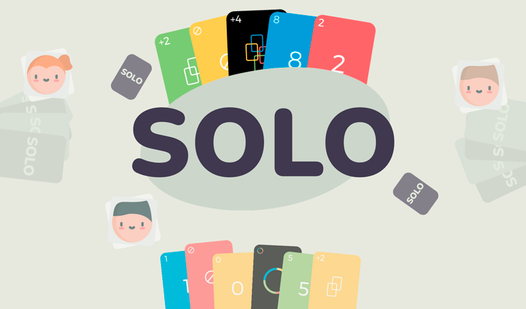
To learn how to play Solo, use your mouse to tap the screen or click your cards. Match the color or the number of the top card on the pile. If you are stuck, draw from the deck. Keep an eye on the pile because the flow changes instantly.
When to call Solo
The Solo controls are simple, but the timing is brutal. When you are down to your final card, click the button immediately. If you miss that window, the game slaps you with a penalty card. It is a common mistake to get cocky and forget the button.
Solo: Winning the match
Use your action cards to ruin your rivals. Save a Wild card for the end if you can. Once you clear your hand, you win. The computer opponents can be annoyingly sharp, so don't expect a walk in the park during the final rounds.
Who Should Play Solo?
Frequently Asked Questions about Solo
How do you press Solo in time?
You must click the Solo button the exact moment you play your second-to-last card. If the animation finishes and you haven't clicked it, you draw a penalty card.
Can I play Solo on my phone?
Yes, it runs right in your mobile browser. The interface is built to make tapping cards easy, even if your thumbs are a bit clumsy.
Is Solo free to play?
Yes, Solo is completely free to play on Nub Games. There are no in-app purchases. No download or registration required.
Can I play Solo on mobile?
Solo works on both desktop and mobile devices. Best played in landscape mode.
What age rating is Solo?
Solo has a content rating of 6++. It is suitable for all ages.