Key Features
- Variable piece count: Scale the complexity up or down. You decide if you want a quick breather or a longer session.
- Daily image rotation: Check back every morning. You get fresh art to assemble so your eyes don't get bored.
- Hint system support: Stuck on a corner? Use the hint button to snap a stubborn piece into the right spot.
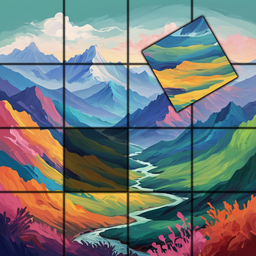
- Clean visual style: The art is sharp and bright. It makes spotting the right shade for a puzzle piece much easier.
How to Play
Starting Simple puzzles!: The basics
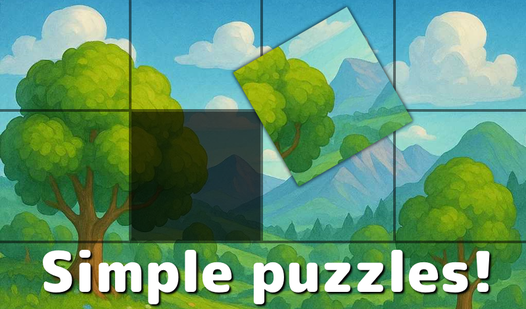
To learn how to play Simple puzzles!, hit the library and click an image. Use your mouse or a single tap to select a piece. You’ll need to tap again to swap it with another. Don't rush; most people mess up by clicking too fast and losing their target piece.
Simple puzzles! controls: Mastering the rotation
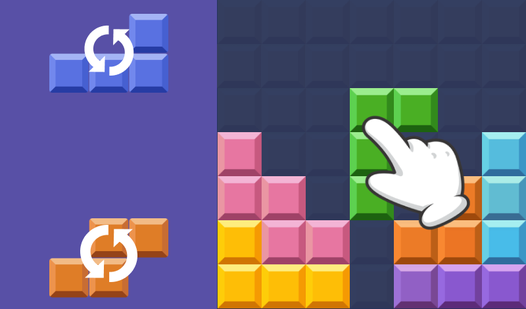
Double-tap any piece to rotate it. This is exactly where Simple puzzles! gets tricky, as some pieces look identical but only fit one way. Keep an eye on the edges. Once you hit the later illustrations, the piece count climbs and you’ll need every bit of focus to finish.
Who Should Play Simple puzzles!?
Frequently Asked Questions about Simple puzzles!
Can I play Simple puzzles! on my phone?
Yes, it works great on mobile browsers. You just tap the pieces instead of clicking, which feels pretty natural once you get used to the touch sensitivity.
How do you rotate pieces in Simple puzzles!?
Just double-tap any piece you have selected. It will spin ninety degrees, so keep tapping if you need it to face a different direction to lock it in.
Is Simple puzzles! free to play?
Yes, Simple puzzles! is completely free to play on Nub Games. There are no in-app purchases. No download or registration required.
Can I play Simple puzzles! on mobile?
Simple puzzles! works on both desktop and mobile devices. Best played in landscape mode.
What age rating is Simple puzzles!?
The catalog age rating for Simple puzzles! is 0+.