












Key Features
- Hardware Scavenging: Strip dead phones for parts to save money. You will often find a perfectly usable camera tucked inside a bricked device.
- Workshop Progression: Dump your earnings into better tools. Upgrading your station unlocks more complex repairs that pay out significantly higher profits.
- Condition Tracking: Keep a sharp eye on those health bars. If a component drops below the minimum, the entire device becomes worthless trash.
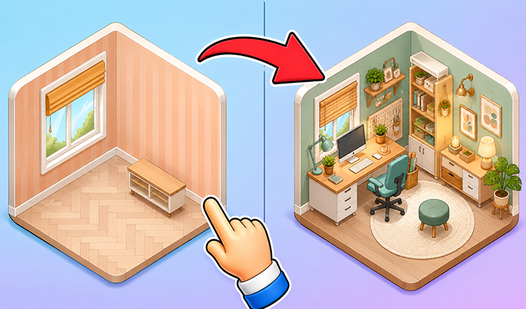
- Relaxing Workflow: There is no ticking clock breathing down your neck. You can take your time to organize your workspace exactly how you want.
How to Play
Service Simulator: Mastering the Diagnosis
Click on the device to start your inspection. Use your Service Simulator controls to navigate the internals with your mouse. Don't rush these checks. If you miss a tiny broken component, the whole repair fails later. A common mistake is assuming every part needs replacement, so look closely at the condition bars before swapping.
How to play Service Simulator efficiently
Once you identify the junk parts, drag in fresh ones from your inventory. Every device has strict requirements, so check if the processor or battery hit the minimum threshold. If the board is too far gone, salvage the good bits instead. That is how to play Service Simulator without wasting your cash on doomed projects.
Who Should Play Service Simulator?
Frequently Asked Questions about Service Simulator
Can I play Service Simulator on my phone?
Yes, you can access the game via your mobile browser. The touch controls mirror the mouse inputs, though smaller screens make picking up tiny parts slightly frustrating.
How do you upgrade your tools in Service Simulator?
Navigate to the shop menu using your hard-earned profits after successful sales. Purchasing these upgrades is essential if you want to handle the high-end tablets arriving later.
Is Service Simulator free to play?
Yes, Service Simulator is completely free to play on Nub Games. Optional in-app purchases are available. No download or registration required.
Can I play Service Simulator on mobile?
Service Simulator works on both desktop and mobile devices. Best played in landscape mode.
What age rating is Service Simulator?
The catalog age rating for Service Simulator is 12+.