









Key Features
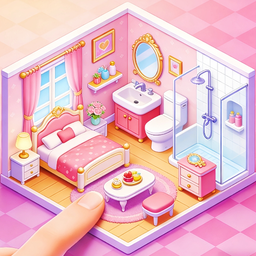
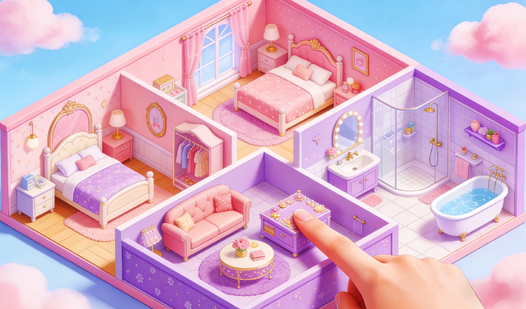
- Grid-based freedom: Snap rooms together wherever you want. The system allows for weird, sprawling floor plans that defy basic architectural logic.
- Furniture variety: Pick from hundreds of tiny items. Each one changes the vibe of your room instantly.
- Expansion logic: Unlock new wings as you finish sections. It forces you to rethink your layout mid-game.
- Visual feedback: Colors pop on every screen. It feels like a digital dollhouse for adults who need a quick creative escape.
How to Play
Serene Homestead: Mastering the layout
Use your mouse or tap the screen to drag rooms into place. Learning how to play Serene Homestead comes down to managing your square footage before you run out of space. Serene Homestead controls are simple enough, but don't just dump items everywhere or you'll regret the clutter later.
Refining your Serene Homestead aesthetic
Click on any item to swap colors or materials. A common mistake is forgetting to rotate furniture, which leaves weird gaps against the walls. Keep an eye on your inventory, as the later expansions add way more complex pieces that might clash with your early design choices.
Who Should Play Serene Homestead?
Frequently Asked Questions about Serene Homestead
Can I play Serene Homestead on my phone?
Yes, it works perfectly on mobile browsers. You can design your dream home while waiting for the bus or lying on your couch.
How do you expand your home in Serene Homestead?
You unlock new zones by completing the current room requirements. Once you hit your goals, the game lets you attach new spaces to your existing walls.
Is Serene Homestead free to play?
Yes, Serene Homestead is completely free to play on Nub Games. There are no in-app purchases. No download or registration required.
Can I play Serene Homestead on mobile?
Serene Homestead works on both desktop and mobile devices. Best played in portrait mode.
What age rating is Serene Homestead?
The catalog age rating for Serene Homestead is 6+.