







Key Features
- Escape Logic: You have to choose your path carefully. Picking the wrong item keeps you locked in the cell for longer.
- Boss Brawling: The combat section forces you to track moving targets. It tests your reflexes against a very annoying opponent.
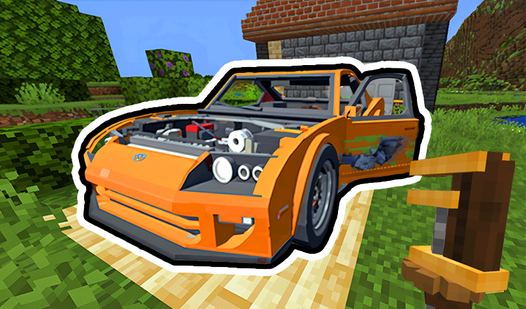
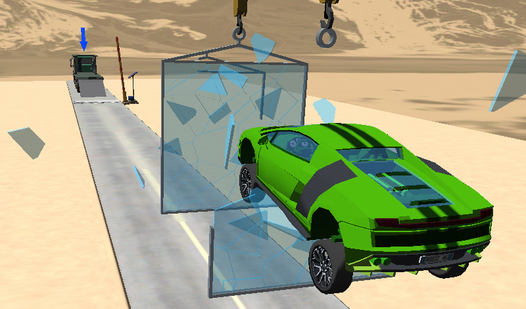
- Car Recovery: The main goal is getting that sports car back. It feels much better once you finally drive away.
- Simple Mechanics: Everything is point and click. It stays accessible for free play regardless of your device.
How to Play
Mastering Save the Stick navigation
Use your mouse or a mobile stylus to interact with the environment. You need to identify the correct items to trigger your escape sequence. Many players click too fast and miss the cues. Check the Save the Stick controls before you start; knowing where to tap makes a huge difference.
How to play Save the Stick during the fight
Once you get out, the game shifts into a frantic fistfight. You must react to the red sights popping up on screen. Speed is everything here. If you are too slow, Huggy Waggy will definitely win. Understanding how to play Save the Stick during this phase is the key to victory.
Who Should Play Save the Stick?
Frequently Asked Questions about Save the Stick
Can I play Save the Stick on my phone?
Yes, you can use your finger or a stylus to tap through the escape sequences. The touch controls work well enough for the fast-paced combat sections.
How do you beat the boss in Save the Stick?
You need to click on the red sights the moment they appear on the screen. If you miss too many of these marks, the fight resets and you have to try again.
Is Save the Stick free to play?
Yes, Save the Stick is completely free to play on Nub Games. Optional in-app purchases are available. No download or registration required.
Can I play Save the Stick on mobile?
Save the Stick works on both desktop and mobile devices. Best played in landscape mode.
What age rating is Save the Stick?
The catalog age rating for Save the Stick is 12+.