

Key Features
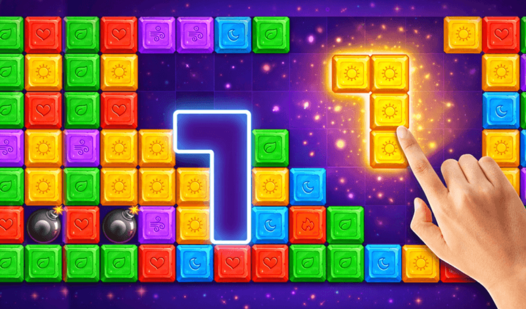
- **Spatial Tetris logic**: Items have specific shapes that force you to plan your moves. One wrong placement ruins the entire row.
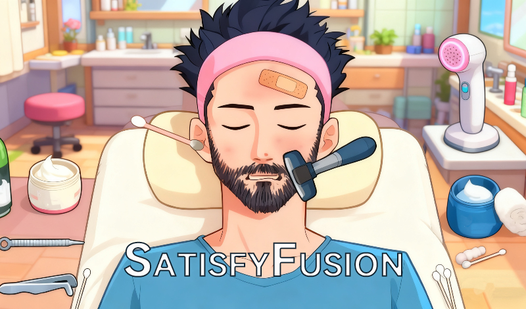
- **Oddly specific chores**: You trim unruly digital beards and sort junk drawers. It feels weirdly personal.
- **Chill soundscapes**: The audio keeps your pulse low even when the puzzles get mean. It makes the frustration manageable.
- **Grid-based brain-training**: You sharpen your planning skills with every level. It is free, but the difficulty spike is real.
How to Play
SatisfyFusion: Mastering the Layout
Use your mouse or tap the screen to drag items into their designated slots. SatisfyFusion controls are simple, but you must keep an eye on the item rotation. Most players fail because they rush the placement without checking the orientation. Slow down and look at the grid before you drop anything.
How to play SatisfyFusion effectively
To learn how to play SatisfyFusion, focus on the items that take up the most space first. Clear the big junk so you can see where the smaller pieces fit. The later stages get cramped, and those tiny beard-shaving levels are a total nightmare if you lose your focus.
Who Should Play SatisfyFusion?
Frequently Asked Questions about SatisfyFusion
Can I play SatisfyFusion on my phone?
Yes, this game runs perfectly on mobile browsers. You just tap and drag to organize your items without needing to install anything on your device.
What are the controls for SatisfyFusion?
You use your mouse or finger to click and drag objects into their slots. It is straightforward, though the hitboxes on the tiny items can be annoying.
Is SatisfyFusion free to play?
Yes, SatisfyFusion is completely free to play on Nub Games. There are no in-app purchases. No download or registration required.
Can I play SatisfyFusion on mobile?
SatisfyFusion works on both desktop and mobile devices. Best played in portrait mode.
What age rating is SatisfyFusion?
The catalog age rating for SatisfyFusion is 12+.