











Key Features
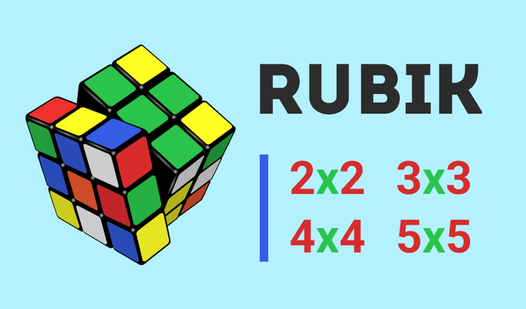
- Variable grid sizes: Switch between 2x2 and 5x5 boards. The 5x5 layout forces you to plan your moves carefully or you will end up truly stuck.
- Speedrun mode: Race against the clock to see how fast your brain works. It turns every turn into a high-stakes decision.
- Mental training: Sharpen your pattern recognition. It makes remembering sequences easier over time.
- Clean interface: Minimal visuals let you focus on the tiles. No distractions get in your way.
How to Play
Rubik: Mastering the basics
To figure out how to play Rubik, start by clicking or dragging the rows to rotate the segments. Use your mouse to twist the faces until every side matches. The Rubik controls feel a bit stiff during fast movements, so focus on accuracy before you try to speedrun the whole thing.
Can you solve Rubik faster?
Once you get the basics, look for patterns in the colors. Many players mess up by ignoring the corners, but those are key to solving the grid. Keep practicing your rotations. Soon, you will hit a groove where you stop thinking and start reacting to the shifting colors.
Who Should Play Rubik?
Frequently Asked Questions about Rubik
Can I play Rubik on my phone?
Yes, the game is fully optimized for mobile devices. You can use your touchscreen to rotate the segments just as easily as you would with a mouse.
What are the controls for Rubik?
You use your mouse or finger to click and drag the rows of the cube. Simply tap or click an element to rotate it toward the desired position.
Is Rubik free to play?
Yes, Rubik is completely free to play on Nub Games. There are no in-app purchases. No download or registration required.
Can I play Rubik on mobile?
Rubik works on both desktop and mobile devices. Best played in portrait mode.
What age rating is Rubik?
The catalog age rating for Rubik is 6+.