











Key Features
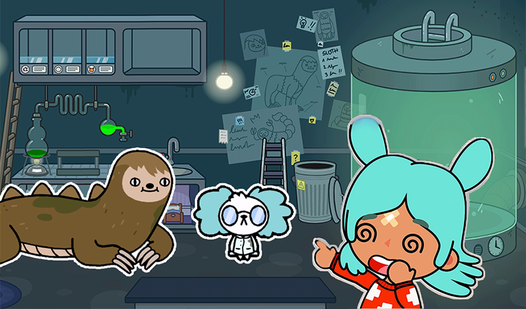
- Dense visual clutter: Every level packs the frame with enough junk to hide a needle. You will squint until your eyes hurt.
- Zooming mechanic: Pinch or scroll to see the tiny pixels. It saves your sanity when searching for those microscopic ingredients.
- Scaling difficulty: The first few levels are a breeze. By the end, the items barely stand out from the background mess.
- Clear lists: Items vanish from your list once found. It keeps your progress organized while you hunt for the final piece.
How to Play
Mastering Potion recipes controls
To learn how to play Potion recipes, click on objects that match your list at the bottom. Use your mouse to click or your finger on mobile to tap. Potion recipes controls feel a bit tight on smaller screens, so don't be afraid to zoom in frequently.
Why Potion recipes gets harder
As you progress, the items hide behind more complex textures. Many players lose time by clicking frantically instead of scanning layer by layer. Slow down. The game expects you to spot subtle color shifts in the background. Later stages turn into a complete nightmare of overlapping silhouettes.
Who Should Play Potion recipes?
Frequently Asked Questions about Potion recipes
Can I play Potion recipes on my phone?
Yes, it works on mobile devices using your touchscreen. Just tap the items you spot, though pinching to zoom is essential for the tiny details.
What games are similar to Potion recipes?
If you want more hidden object fun, check out Hunt for Brainrots: Online or try a different vibe with Obby: Escape from Barry Prison. These titles offer similar focus-heavy challenges.
Is Potion recipes free to play?
Yes, Potion recipes is completely free to play on Nub Games. Optional in-app purchases are available. No download or registration required.
Can I play Potion recipes on mobile?
Potion recipes works on both desktop and mobile devices. Best played in landscape mode.
What age rating is Potion recipes?
Potion recipes has a content rating of 6++. It is suitable for all ages.