









Key Features
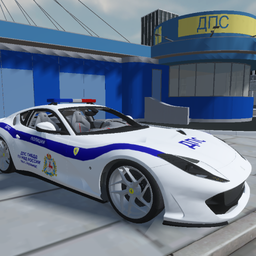
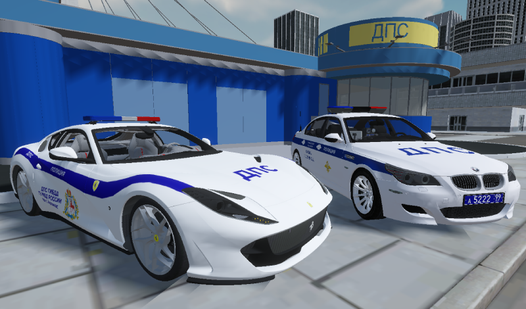
- Five Patrol Vehicles: Choose between models like the BMW M5 or Ferrari 812. Each car offers a different feel while you chase suspects through city streets.
- Traffic Enforcement: Register accidents and check driver documents. This mechanic forces you to slow down your patrol and interact with the game world.
- Integrated Sirens: Activate your siren to signal drivers. It is a key tool for stopping vehicles during high speed pursuits.
How to Play
Police Simulator: How to manage calls
When a call arrives, you must act quickly to accept the assignment. Press the green button or Enter to respond to the notification. Learning how to play Police Simulator requires you to balance patrol duties with these urgent alerts. Failing to accept the call means you miss your chance to catch the intruder.
Police Simulator controls and traffic stops
To pull over a suspect, turn on your siren and signal the car in front of you. Once they stop, you can proceed to check their documents. Using the correct Police Simulator controls is essential for logging accidents or identifying violators during your shift.
Who Should Play Police Simulator?
Frequently Asked Questions about Police Simulator
Can I play Police Simulator on my phone?
Yes, you can play on mobile devices using the touch controls provided. Use the pedals on the bottom right for speed and arrows on the left for steering.
What are the controls for Police Simulator on PC?
Use W, A, S, and D to drive your vehicle. Press J to toggle the siren, H to use your signal horn, and Enter to accept incoming calls.
Is Police Simulator free to play?
Yes, Police Simulator is completely free to play on Nub Games. Optional in-app purchases are available. No download or registration required.
Can I play Police Simulator on mobile?
Police Simulator works on both desktop and mobile devices. Best played in landscape mode.
What age rating is Police Simulator?
The catalog age rating for Police Simulator is 6+.