









Key Features
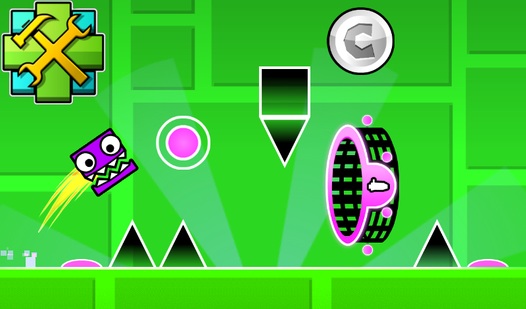
- Gravity-bending portals: These force you to rethink every jump. One wrong move and you’re hitting a spike on the ceiling instead of the floor.
- Versatile cube modes: Switching from a ship to a UFO changes your hitbox entirely. It forces you to adapt your flight path mid-run.
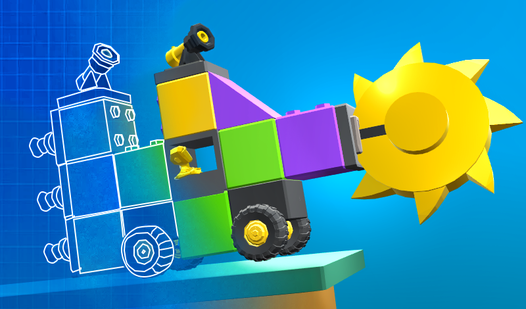
- Custom level editor: Build your own torture chamber. You can drop in any spikes or blocks you want to test your friends.
- Stiff input feedback: The movement feels a bit floaty or slippery when you turn. You'll need to compensate for that jank constantly.
How to Play
Mastering basic Platformer-Editor movement
Use WASD or your touch screen to navigate the hazards. The Platformer-Editor controls are sensitive, so don't hold the button too long or you'll overshoot the platforms. You need to learn how to play Platformer-Editor by observing the rhythm of the spikes. If you rush, you will definitely fail.
Surviving the Platformer-Editor gravity shifts
Those blue and pink portals are going to flip your world upside down. When you hit one, your gravity reverses, making you stick to the ceiling. It feels awkward at first, but you have to keep your cool. Watch for the final five levels; they are an absolute nightmare.
Who Should Play Platformer-Editor?
Frequently Asked Questions about Platformer-Editor
How do I use the Platformer-Editor level builder?
Just open the editor menu to drag and drop blocks, spikes, or portals. You can even swap the background music and colors to make your custom level look exactly how you want.
Can I play Platformer-Editor on my phone?
Yes, it works on mobile browsers. The touch controls are responsive enough for those later levels, though your thumbs might get tired after a few intense attempts.
Is Platformer-Editor free to play?
Yes, Platformer-Editor is completely free to play on Nub Games. There are no in-app purchases. No download or registration required.
Can I play Platformer-Editor on mobile?
Platformer-Editor works on both desktop and mobile devices. Best played in landscape mode.
What age rating is Platformer-Editor?
The catalog age rating for Platformer-Editor is 6+.