











Key Features
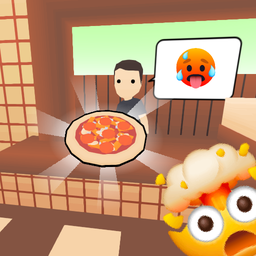
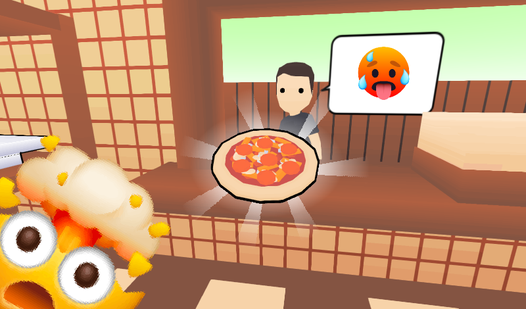
- **Feedback loops**: Customers rate every single order you serve. High scores unlock cash for better stoves and faster prep stations.
- **Dynamic kitchen**: Managing two ovens at once gets frantic. You have to juggle ingredients while dodging your own messes.
- **Upgrade path**: Fixing the fridge and killing pests keeps your rating up. Neglect these and your reputation hits the floor.
- **Recipe management**: You have to follow specific customer requests to satisfy the critics. Messing up a topping costs you money.
How to Play
Mastering Pizzeria 3D controls
Use WASD to move around your kitchen and the mouse buttons to grab or drop items. Learning how to play Pizzeria 3D requires you to memorize where the dough and toppings live. If you fumble the controls, you'll drop ingredients on the floor and waste precious time.
Upgrading your Pizzeria 3D shop
Press E to open the store menu and spend your hard-earned tips on better gear. Buying a second oven is a game-changer when the orders pile up. Most players make the mistake of ignoring their kitchen layout early on, but you should prioritize better equipment before tackling the tougher rush hours.
Who Should Play Pizzeria 3D?
Frequently Asked Questions about Pizzeria 3D
How do you pick up items in Pizzeria 3D?
Use the right mouse button to grab ingredients or boxes off the counters. Make sure your crosshair is directly over the object or you will grab thin air instead.
Can I play Pizzeria 3D on my phone?
Yes, this game runs in mobile browsers without requiring a separate app download. The touch controls are responsive enough to handle the kitchen chaos on the go.
Is Pizzeria 3D free to play?
Yes, Pizzeria 3D is completely free to play on Nub Games. There are no in-app purchases. No download or registration required.
Can I play Pizzeria 3D on mobile?
Pizzeria 3D works on both desktop and mobile devices. Best played in landscape mode.
What age rating is Pizzeria 3D?
The catalog age rating for Pizzeria 3D is 6+.