











Key Features
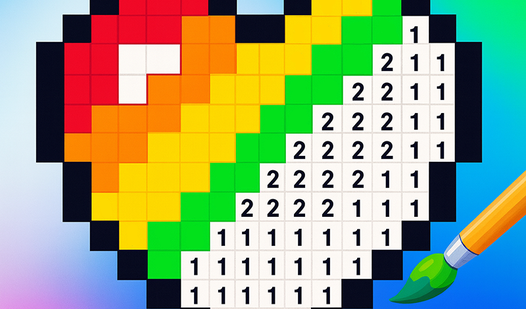
- Vivid palette: Colors snap against the dark grid. You watch simple shapes turn into bright, recognizable animals.
- Smart zoom: Pinch to see the tiny cells clearly. This prevents eye strain during those massive portraits.
- Grid feedback: The audio cue tells you when you've missed a spot. It saves you from searching for that one stray gray pixel.
- Collection size: With 152 designs, you won't run out of things to color anytime soon.
How to Play
Mastering PixArt basics
To start, tap a color from the bottom palette then find the matching number on the grid. PixArt controls rely on simple taps, making it easy to fill in rows. Don't rush your taps. If you click the wrong cell, you get a buzz sound that’ll definitely grate on your nerves.
Zooming in on PixArt
Use your mouse wheel or pinch your screen to zoom into the finer details. Learning how to play PixArt effectively means using this zoom constantly. You’ll miss the tiny numbers on larger designs if you don't. It’s a bit finicky on smaller phone screens, so brace yourself for some accidental mis-taps.
Who Should Play PixArt?
Frequently Asked Questions about PixArt
Can I play PixArt on my phone?
Yes, it runs perfectly on mobile devices. You can just open the browser and start coloring without any extra apps or account sign-ups.
How many levels does PixArt have?
There are 152 unique pixel-art designs available to complete. Each one offers a different level of complexity, ranging from simple shapes to detailed animal portraits.
Is PixArt free to play?
Yes, PixArt is completely free to play on Nub Games. There are no in-app purchases. No download or registration required.
Can I play PixArt on mobile?
PixArt works on both desktop and mobile devices. Best played in none mode.
What age rating is PixArt?
The catalog age rating for PixArt is 0+.