











Key Features
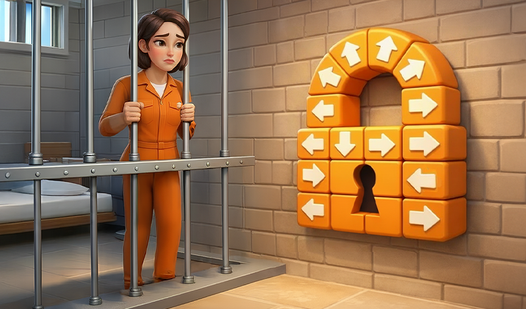
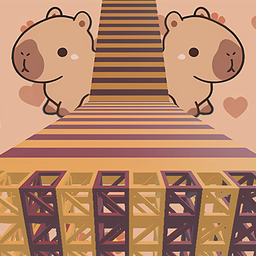
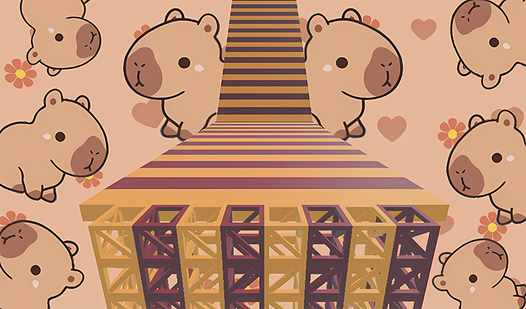
- Prison aesthetics: The visual style keeps things focused. The blocks are bright, so you always know exactly where the next safe landing spot is.
- Tight platforming: Movement feels snappy. When you mess up, you know it was your fault.
- Scaling difficulty: Early stages teach you the ropes. Later, the gaps get wider and the platforms smaller.
- Minimalist UI: Nothing clutters your screen. You get a clear view of the obstacles ahead.
How to Play
Obby Tower: Prison: The basics
Mastering the Obby Tower: Prison controls is simple since you only need WASD to move and the spacebar to jump. Just keep your momentum steady. Never hold the jump button longer than necessary, or you will overshoot the platforms. This is how to play Obby Tower: Prison without losing your mind.
Obby Tower: Prison: Avoid the traps
Watch your footing on the later prison levels. The hitboxes on some ledges feel slightly off, making it easy to slip off the edge if you get greedy. Take your time during these jumps. If you rush, you will fall back to the start of the section every single time.
Who Should Play Obby Tower: Prison?
Frequently Asked Questions about Obby Tower: Prison
Can I play Obby Tower: Prison on my phone?
Yes, it works on mobile browsers. You can tap to jump just as easily as using a keyboard, though the screen size might make some jumps feel tighter.
What are the controls for Obby Tower: Prison?
Use the WASD keys to walk around each level. The spacebar handles your jumps, which is the only move you need to clear the obstacles.
Is Obby Tower: Prison free to play?
Yes, Obby Tower: Prison is completely free to play on Nub Games. There are no in-app purchases. No download or registration required.
Can I play Obby Tower: Prison on mobile?
Obby Tower: Prison works on both desktop and mobile devices. Best played in landscape mode.
What age rating is Obby Tower: Prison?
The catalog age rating for Obby Tower: Prison is 6+.