











Key Features
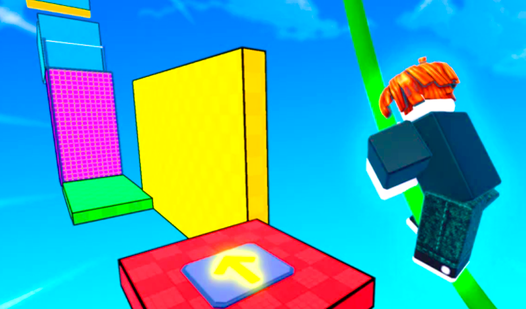
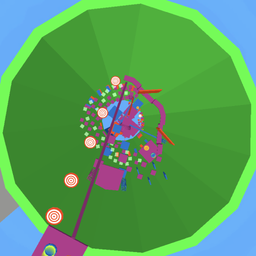
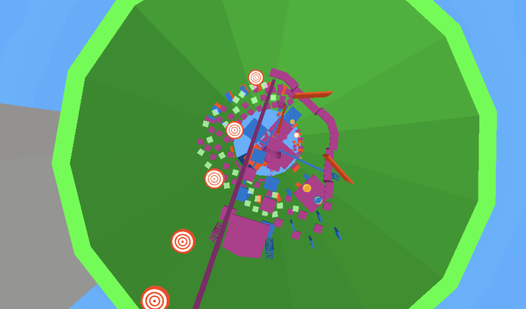
- Vertical Obstacle Gauntlets: Every level forces you to look up. One wrong twitch on a narrow beam and you fall back to the start.
- Hungry Cat Rewards: Collecting food bags isn't just for show. You need them to unlock your next set of challenges.
- Booster Upgrades: Use these to clear wider gaps. They make the impossible jumps feel slightly more manageable.
- Pet Companions: Unlock these friends to follow your climb. They offer no help, but they look cool.
How to Play
Obby Tower 2: Master the Movement
Learning how to play Obby Tower 2 starts with the basics. Use WASD or arrows on PC to move, and touch the screen on mobile devices. Obby Tower 2 controls feel a bit slippery when you first start, so don't be surprised if you slide right off the edge.
Obby Tower 2: Keep the Cat Fed
Your goal is to grab all 10 bags of food scattered across the parkour stages. Don't rush your jumps. A common mistake is holding the jump button too long, which sends you flying past your platform. Take your time, because the later tiers get vertical and unforgiving.
Who Should Play Obby Tower 2?
Frequently Asked Questions about Obby Tower 2
Can I play Obby Tower 2 on my phone?
Yes, it runs on mobile browsers without any issues. The touch controls are mapped to a virtual joystick and jump button on the right side.
What are the controls for Obby Tower 2?
On PC, use WASD or arrow keys to run and the spacebar to jump. Mobile users use a touch joystick for movement and a button for jumping.
Is Obby Tower 2 free to play?
Yes, Obby Tower 2 is completely free to play on Nub Games. Optional in-app purchases are available. No download or registration required.
Can I play Obby Tower 2 on mobile?
Obby Tower 2 works on both desktop and mobile devices. Best played in landscape mode.
What age rating is Obby Tower 2?
The catalog age rating for Obby Tower 2 is 6+.