











Key Features
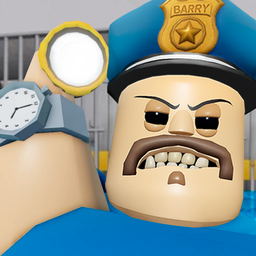
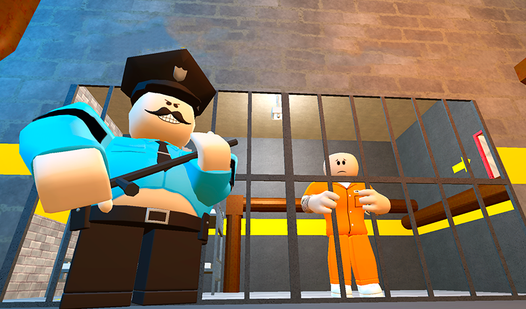
- Boss Encounters: Four powerful wardens stand between you and the exit. You must outwit each one to progress further toward your freedom.
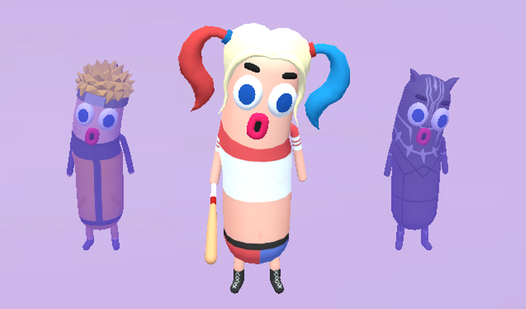
- Hero Customization: Choose from various unique skins to change how your character appears. This allows you to express your own style.
- Camera Zoom: Rotate the mouse wheel to adjust your view. This helps you spot hidden pathways or traps.
How to Play
Obby Prison Escape from Barry: Mastering movement
Use WASD to navigate the corridors and hit Space to clear gaps. You need to learn how to play Obby Prison Escape from Barry by combining these inputs with Shift to sprint past danger. If you do not time your jumps correctly, Barry will catch you.
Interacting in Obby Prison Escape from Barry
Press E to trigger objects found throughout the facility. These interactions are necessary to open paths or bypass warden security measures. Consult the Obby Prison Escape from Barry controls to adjust your camera with the mouse wheel if you lose track of your surroundings during the escape.
Who Should Play Obby Prison Escape from Barry?
Frequently Asked Questions about Obby Prison Escape from Barry
Can I play Obby Prison Escape from Barry on my phone?
Yes, the game is supported on mobile devices. You can use the on-screen touch interface to move, jump, and interact with objects.
What are the controls for Obby Prison Escape from Barry on PC?
Use WASD for movement, Space to jump, and Shift to run fast. Press E to interact with objects and use the mouse wheel to zoom.
Is Obby Prison Escape from Barry free to play?
Yes, Obby Prison Escape from Barry is completely free to play on Nub Games. Optional in-app purchases are available. No download or registration required.
Can I play Obby Prison Escape from Barry on mobile?
Obby Prison Escape from Barry works on both desktop and mobile devices. Best played in landscape mode.
What age rating is Obby Prison Escape from Barry?
The catalog age rating for Obby Prison Escape from Barry is 12+.