











Key Features
- Shrinking platforms: The landing zones get smaller as you advance. You have to be pixel-perfect.
- Camera zoom: Scroll the mouse wheel to pull the view back. It helps you see the next jump.
- Checkpoints everywhere: The game saves your progress constantly. You won't lose your mind when you inevitably plummet.
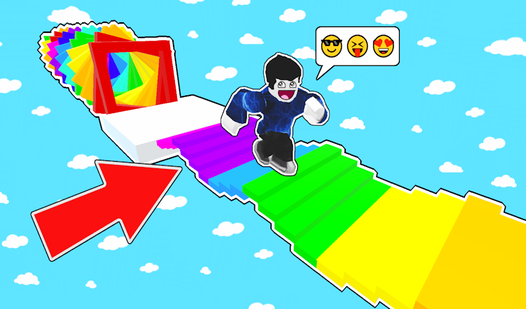
- Minimalist design: No clutter on the screen. You can focus entirely on the floating path ahead.
How to Play
Obby: easy parkour: mastering the movement
Use WASD to run and space to jump. On mobile, just use the joystick and the jump button. Obby: easy parkour controls feel a bit slippery at first, so don't hold the sprint key too long when approaching a tight edge. You will definitely slide right off if you aren't careful.
How to play Obby: easy parkour without falling
The secret to learning how to play Obby: easy parkour is watching your shadow. It shows exactly where you land before you commit to the jump. Most players mess up because they rush the gaps. Stop flicking the camera around constantly. Slow down, align your character, and take the leap only when ready.
Who Should Play Obby: easy parkour?
Frequently Asked Questions about Obby: easy parkour
Can I play Obby: easy parkour on my phone?
Yes, it runs on mobile browsers using the same touch controls. The joystick is on the left and the jump button is on the right side of your screen.
What are the controls for Obby: easy parkour?
On desktop, use WASD to move and the spacebar to jump. You can rotate the camera with your mouse and zoom in or out using the scroll wheel.
Is Obby: easy parkour free to play?
Yes, Obby: easy parkour is completely free to play on Nub Games. Optional in-app purchases are available. No download or registration required.
Can I play Obby: easy parkour on mobile?
Obby: easy parkour works on both desktop and mobile devices. Best played in landscape mode.
What age rating is Obby: easy parkour?
The catalog age rating for Obby: easy parkour is 12+.