
Key Features
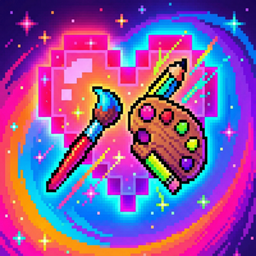
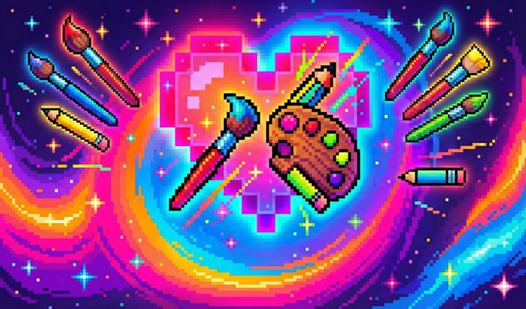
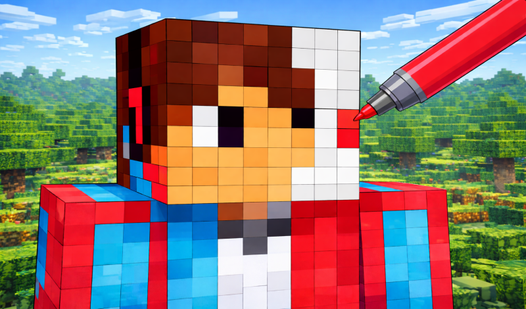
- Neon Palette: Colors glow with a sharp contrast that makes every pixel stand out. It turns basic shapes into high-energy art pieces.
- Save Slots: Three dedicated slots keep your progress safe. You can jump between different projects without losing your work.
- Pixel Precision: The grid layout forces you to focus on tiny details. One stray click changes the whole look of your piece.
- Blank Canvas: Design anything from scratch. It lets you test your own patterns instead of following the numbers.
How to Play
Mastering Neon Art inputs
To start, pick any template that catches your eye. Use your mouse or touchscreen to select a color, then tap the corresponding numbers on the grid. Neon Art controls are simple enough, but be careful. Clicking the wrong square ruins your flow, so pay attention to the numbers.
Neon Art: Creative Freedom
If the presets get boring, switch to the creative mode. You pick the canvas size and just go wild. Learning how to play Neon Art is straightforward, yet the small grid can feel cramped if you have big fingers. Keep your designs clean or things get messy fast.
Who Should Play Neon Art?
Frequently Asked Questions about Neon Art
Can I play Neon Art on my phone?
Yes, it works fine on mobile devices. Just open the page in your browser and tap the squares to color them in.
How do I save my progress in Neon Art?
The game automatically uses one of the three gallery slots for your current painting. Just head to the gallery menu to manage your saved files.
Is Neon Art free to play?
Yes, Neon Art is completely free to play on Nub Games. There are no in-app purchases. No download or registration required.
Can I play Neon Art on mobile?
Neon Art works on both desktop and mobile devices. Best played in none mode.
What age rating is Neon Art?
Neon Art has a content rating of 6++. It is suitable for all ages.