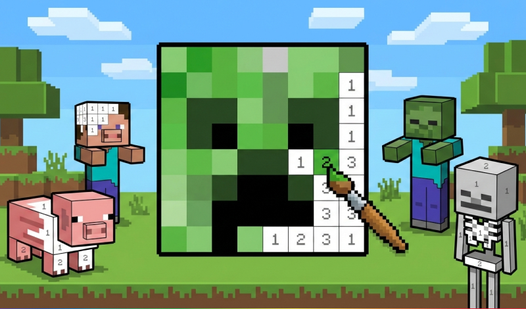

Key Features
- Creative freedom: Hit the create button to design your own patterns from scratch. It turns your screen into a blank canvas for custom art.
- Tactile zoom: The pinch-to-zoom feature allows for precise work on small screens. You can see every single thread.
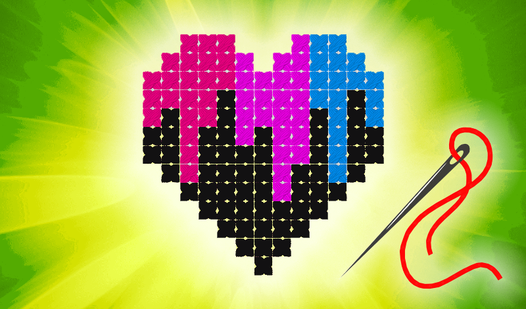
- Color palette: You get a huge selection of vibrant threads. Match them to the animals or shapes to finish your masterpiece.
- Steady focus: Filling in patterns demands real concentration. It is the perfect way to zone out for a few minutes.
How to Play
Needlework: The basics
To learn how to play Needlework, just look at the bottom of your screen to pick your thread color. Tap or click the highlighted canvas cell to drop a stitch. Needlework controls are straightforward, but watch your edges. Tapping the wrong spot forces you to undo your progress, which gets annoying fast.
Needlework: Master your view
Use your mouse wheel or pinch your phone screen to zoom in on the finer details. This helps you hit those tiny, awkward corners. Don't rush your work. If you zoom out too far, you will misclick and ruin your perfect pattern every single time.
Who Should Play Needlework?
Frequently Asked Questions about Needlework
Can I play Needlework on my phone?
Yes, it works perfectly on mobile devices. Just pinch your fingers to zoom in on the canvas and tap to place your stitches.
How do you create your own pattern in Needlework?
You just head to the main menu and tap the Create button. It lets you start a fresh project from nothing, giving you total control.
Is Needlework free to play?
Yes, Needlework is completely free to play on Nub Games. There are no in-app purchases. No download or registration required.
Can I play Needlework on mobile?
Needlework works on both desktop and mobile devices. Best played in landscape mode.
What age rating is Needlework?
The catalog age rating for Needlework is 0+.