










Key Features
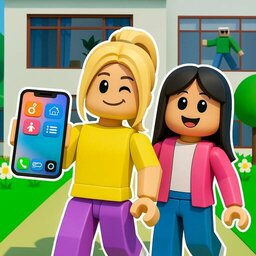
- Phone Menu: This virtual interface puts the entire world editor right in your palm. Swap items quickly.
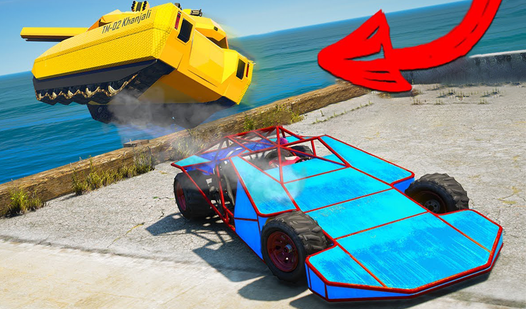
- Vehicle Physics: Cars have a distinct weight that affects how they turn. Expect to drift around corners.
- Home Customization: Drop walls and furniture anywhere you like. Your layout dictates where friends spawn.
- Open Exploration: The map is huge. Driving to the edge of the world reveals some hidden treasures.
How to Play
Mastering My Sandbox movement
Use WASD or your screen taps to navigate. Getting a handle on My Sandbox controls takes a minute because the movement is floaty. If you struggle to stay on the road, try tapping instead of holding down keys. It helps you keep the car from flying off into the void.
How to play My Sandbox properly
Start by placing your home base before you mess with the terrain. Building roads is how to play My Sandbox effectively, as it anchors your layout. Avoid placing objects on steep hills. You might find your car sliding backward if you park on a slope, which gets pretty annoying fast.
Who Should Play My Sandbox?
Frequently Asked Questions about My Sandbox
Can I play My Sandbox on my phone?
Yes, it works on mobile devices as well as desktops. The touch controls are responsive enough for building, though driving takes some practice to get right.
How do you place objects in My Sandbox?
Open your virtual phone menu to select items from your inventory. Tap or click on the ground to drop them into the world exactly where you want them.
Is My Sandbox free to play?
Yes, My Sandbox is completely free to play on Nub Games. Optional in-app purchases are available. No download or registration required.
Can I play My Sandbox on mobile?
My Sandbox works on both desktop and mobile devices. Best played in landscape mode.
What age rating is My Sandbox?
The catalog age rating for My Sandbox is 12+.