











Key Features
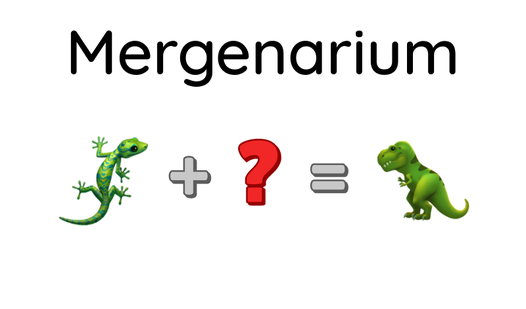
- Infinite discovery: The list of items grows quickly. One minute you have basic elements, the next you're crafting complex machinery.
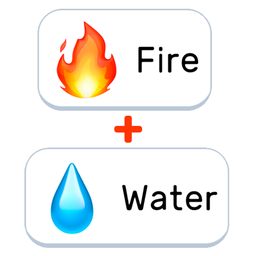
- Visual feedback: Icons change state when they interact. It makes the logic behind each discovery feel tangible.
- Logical chains: Some items require multiple steps to reach. You have to plan ahead or you'll get stuck.
- Desktop flexibility: The interface scales to your screen size. It works just as well on a phone as it does on a PC.
How to Play
Mergenarium: Getting started
Use your mouse or finger to drag items across the screen. If you want to know how to play Mergenarium, just look for the icons that wiggle when you hover over them. The Mergenarium controls are simple, but don't just mash everything together blindly or you'll run out of space.
Mergenarium: Finding new recipes
Your goal is to discover every item in the index. Drop one icon on top of another to see if they react. Most players fail because they forget to keep their workspace clean. If you create a total mess, it becomes a nightmare to find the specific parts you need.
Who Should Play Mergenarium?
Frequently Asked Questions about Mergenarium
How do you organize your screen in Mergenarium?
Drag your finished items to the edges of the play area to keep the center clear. You need that open space to test new pairings without dragging things over existing stacks.
Can I play Mergenarium on my phone?
Yes, it runs right in your mobile browser. The touch controls are responsive, though zooming in on smaller screens can be a bit finicky at times.
Is Mergenarium free to play?
Yes, Mergenarium is completely free to play on Nub Games. There are no in-app purchases. No download or registration required.
Can I play Mergenarium on mobile?
Mergenarium works on both desktop and mobile devices. Best played in portrait mode.
What age rating is Mergenarium?
The catalog age rating for Mergenarium is 0+.