







Key Features
- Customizable Boards: Switch up your aesthetic by picking different tile sets. It stops the symbols from blurring together during those long, late-night sessions.
- Tactical Zoom: Pinch or scroll to resize the field. You need this to see the tiny, blocked edges hiding in the corners.
- Panic Resets: Hit the shuffle button when the board looks impossible. It rearranges everything to give you a fresh perspective on the remaining layout.
- Hint System: Stumped by a hidden pair? Click the hint to highlight a move. It saves you when the game design feels slightly unfair.
How to Play
Mahjong Tiles: The Basics
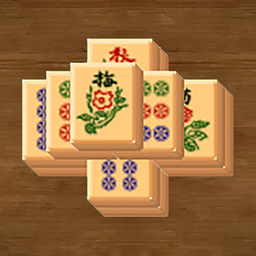
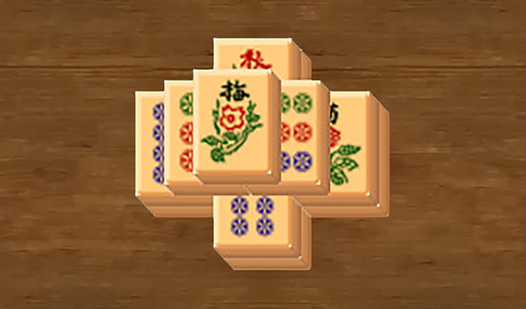
Your goal is to clear the board by matching identical symbols. Use your mouse or tap the screen to select free tiles that have at least one side exposed. The Mahjong Tiles controls are simple, but you must think ahead. Don't waste your moves on obvious pairs early on.
How to play Mahjong Tiles
To learn how to play Mahjong Tiles effectively, focus on the top layers before worrying about the base. If you get stuck, use the hint button to spot a sneaky match. Just remember that shuffling the board is a last resort, as it can hide the tiles you actually needed.
Who Should Play Mahjong Tiles?
Frequently Asked Questions about Mahjong Tiles
How do you clear tiles in Mahjong Tiles?
You must select two identical tiles that are not blocked by neighbors on both sides. If they share a border, they stay put until you clear the surrounding pieces.
Can I play Mahjong Tiles on my phone?
Yes, it works fine on mobile browsers. You can pinch to zoom in on the tiles, though the tiny screen makes the late-game levels a bit difficult.
Is Mahjong Tiles free to play?
Yes, Mahjong Tiles is completely free to play on Nub Games. There are no in-app purchases. No download or registration required.
Can I play Mahjong Tiles on mobile?
Mahjong Tiles works on both desktop and mobile devices. Best played in landscape mode.
What age rating is Mahjong Tiles?
The catalog age rating for Mahjong Tiles is 0+.