











Key Features
- Elemental Arsenal: Swap your base beam for a blizzard. It turns a single-target struggle into a screen-wide cleanup event.
- Shatter Mechanics: Frozen enemies turn into glass. One tap sends shards flying into other targets for bonus damage.
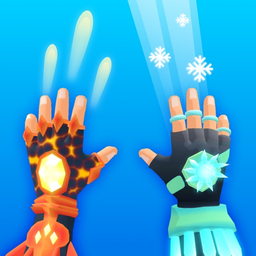
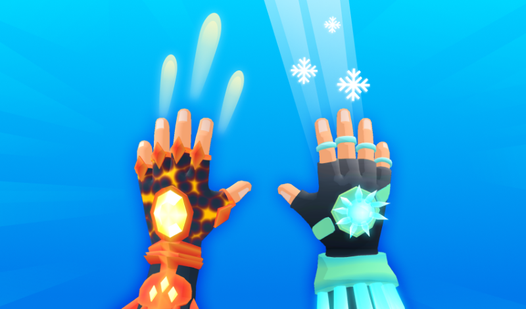
- Visual Impact: The 3D models look sharp enough to cut. Watching a boss freeze solid is a highlight.
- Endless Scaling: Enemy speed increases every minute. You will eventually hit a wall where your reaction time fails.
How to Play
Magical Hands: Mastering the basics
Your goal is simple. Keep the enemies away by blasting them with ice beams. Use your mouse or tap the screen to aim at incoming threats. The Magical Hands controls feel a bit floaty at first, so don't panic if your first shot misses. That is how to play Magical Hands.
Why upgrade in Magical Hands?
The basic beam kills slowly. You need the Frost Nova to clear out grouped enemies before they crowd your space. A common mistake is wasting power on single targets when a crowd is closing in. Keep your eyes on the edges of the screen because later levels turn into a total chaotic nightmare.
Who Should Play Magical Hands?
Frequently Asked Questions about Magical Hands
Can I play Magical Hands on my phone?
Yes, you can absolutely play it on your phone. Just open the page in your mobile browser and you are good to go.
How do you upgrade powers in Magical Hands?
You unlock new abilities by clearing levels and earning points. Check the main menu between rounds to swap your loadout.
Is Magical Hands free to play?
Yes, Magical Hands is completely free to play on Nub Games. There are no in-app purchases. No download or registration required.
Can I play Magical Hands on mobile?
Magical Hands works on both desktop and mobile devices. Best played in portrait mode.
What age rating is Magical Hands?
The catalog age rating for Magical Hands is 12+.