


Key Features
- Custom setup variety: Switch from classic layouts to lopsided armies. It changes your opening strategy immediately.
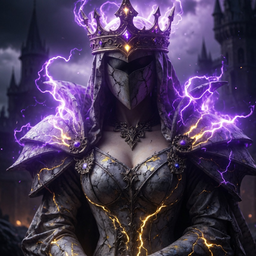
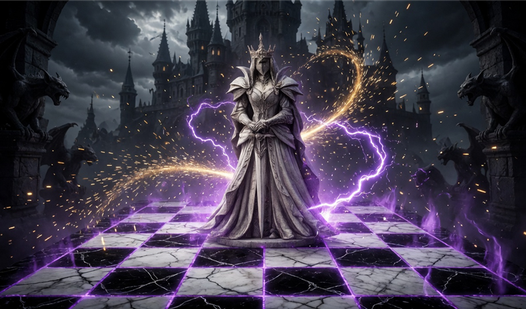
- Fantasy combat effects: Pieces clash with visual spells when they collide. It makes every trade feel personal.
- Adjustable AI difficulty: The hard setting actually punishes your mistakes. Don't expect the computer to go easy.
- Board manipulation tools: Flip the view or undo your last blunder. It saves you when you miss a hanging piece.
How to Play
Magic chess: Mastering the basics
To learn how to play Magic chess, just tap your chosen piece and then the destination square. The Magic chess controls are simple enough for anyone to pick up. Just watch your spacing early on, because miscalculating the reach of the AI will leave your back line completely exposed to a quick checkmate.
Magic chess: Should you enable combat?
Toggle the magical battles on if you want to see some extra flair during captures. It turns a standard game into a spectacle. Just be warned that the visual effects can occasionally hide the board state if you are playing on a small mobile screen, which is a bit of a headache.
Who Should Play Magic chess?
Frequently Asked Questions about Magic chess
Can I play Magic chess on my phone?
Yes, it runs right in your mobile browser without issues. The interface scales well, though the tiny buttons might be tricky if you have massive thumbs during a heated match.
Does Magic chess have multiplayer?
You can absolutely challenge a friend in 1v1 mode. Just pass the device back and forth since it is designed for two people sitting in the same room.
Is Magic chess free to play?
Yes, Magic chess is completely free to play on Nub Games. There are no in-app purchases. No download or registration required.
Can I play Magic chess on mobile?
Magic chess works on both desktop and mobile devices. Best played in portrait mode.
What age rating is Magic chess?
The catalog age rating for Magic chess is 12+.