












Key Features
- Niche selection:
- Equipment grind:
- Hate management:
- Sponsorship deals:
How to Play
Life Simulator Youtuber: Starting your channel
First, pick a catchy name and avatar to define your brand. You use mouse clicks or screen taps for Life Simulator Youtuber controls to navigate menus. Don't stress about the initial gear because everyone starts with a potato webcam. Just focus on picking a niche that actually has a decent audience size.
How to play Life Simulator Youtuber efficiently
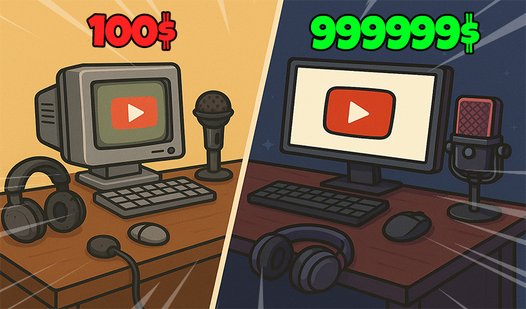
Shoot videos by selecting your activity, then edit them to boost your quality score. Watch out for the platform algorithms that can tank your views overnight. A common mistake is dumping all your cash into expensive lights too early. You need to balance your budget between hardware upgrades and marketing your content.
Who Should Play Life Simulator Youtuber?
Frequently Asked Questions about Life Simulator Youtuber
Can I play Life Simulator Youtuber on my phone?
Yes, it is fully compatible with mobile browsers. You get the same experience on your phone as you do on a PC.
How do you handle channel growth in Life Simulator Youtuber?
You grow by consistently uploading videos and reinvesting your earnings into better equipment. You must also adapt your content strategy when your subscriber growth starts to plateau.
Is Life Simulator Youtuber free to play?
Yes, Life Simulator Youtuber is completely free to play on Nub Games. There are no in-app purchases. No download or registration required.
Can I play Life Simulator Youtuber on mobile?
Life Simulator Youtuber works on both desktop and mobile devices. Best played in portrait mode.
What age rating is Life Simulator Youtuber?
The catalog age rating for Life Simulator Youtuber is 6+.