











Key Features
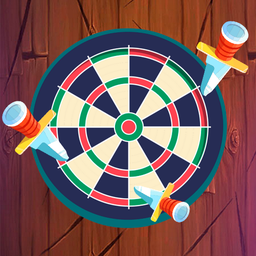
- Unpredictable rotation: The target changes speed and direction constantly. You have to watch the spin closely or you will definitely miss.
- Apple bonus: They are small targets that reward your accuracy with massive point boosts. Don't let them pass you by.
- Sharpening difficulty: Later levels pack the log with so many blades that you're left with tiny slivers of space to land.
- Blade variety: New designs appear as you progress. They look cooler but don't actually change the physics of your throw.
How to Play
Knife Ninja: Mastering the toss
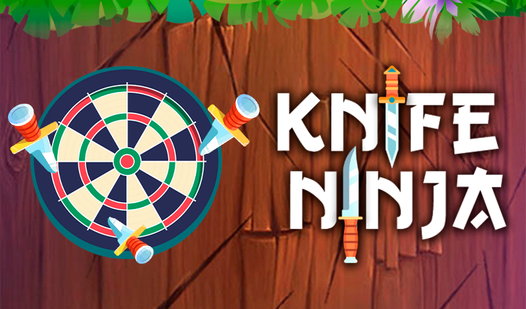
To throw a blade, just tap your screen or click your mouse. You need to time your shots so the blade lands in an empty spot on the target. If you hit another knife, you lose immediately. Knife Ninja controls feel a bit slippery at first, so practice your rhythm early on.
How to play Knife Ninja for high scores
Look for the apples spinning on the target. Slice these with your knives to rack up extra points. Most players mess up because they rush the throw when the target changes direction. Keep your cool. This is the best way to learn how to play Knife Ninja without throwing your mouse through a wall.
Who Should Play Knife Ninja?
Frequently Asked Questions about Knife Ninja
Can I play Knife Ninja on my phone?
Yes, it works perfectly on mobile browsers. Just tap the screen to release your blades exactly like you would on a desktop.
How do you hit the apples in Knife Ninja?
Aim directly for the fruit as it rotates into view. You have to be careful because the apple usually sits right next to a previously placed blade.
Is Knife Ninja free to play?
Yes, Knife Ninja is completely free to play on Nub Games. There are no in-app purchases. No download or registration required.
Can I play Knife Ninja on mobile?
Knife Ninja works on both desktop and mobile devices. Best played in portrait mode.
What age rating is Knife Ninja?
The catalog age rating for Knife Ninja is 12+.